

Virtualizor 3.2.9 — What's New
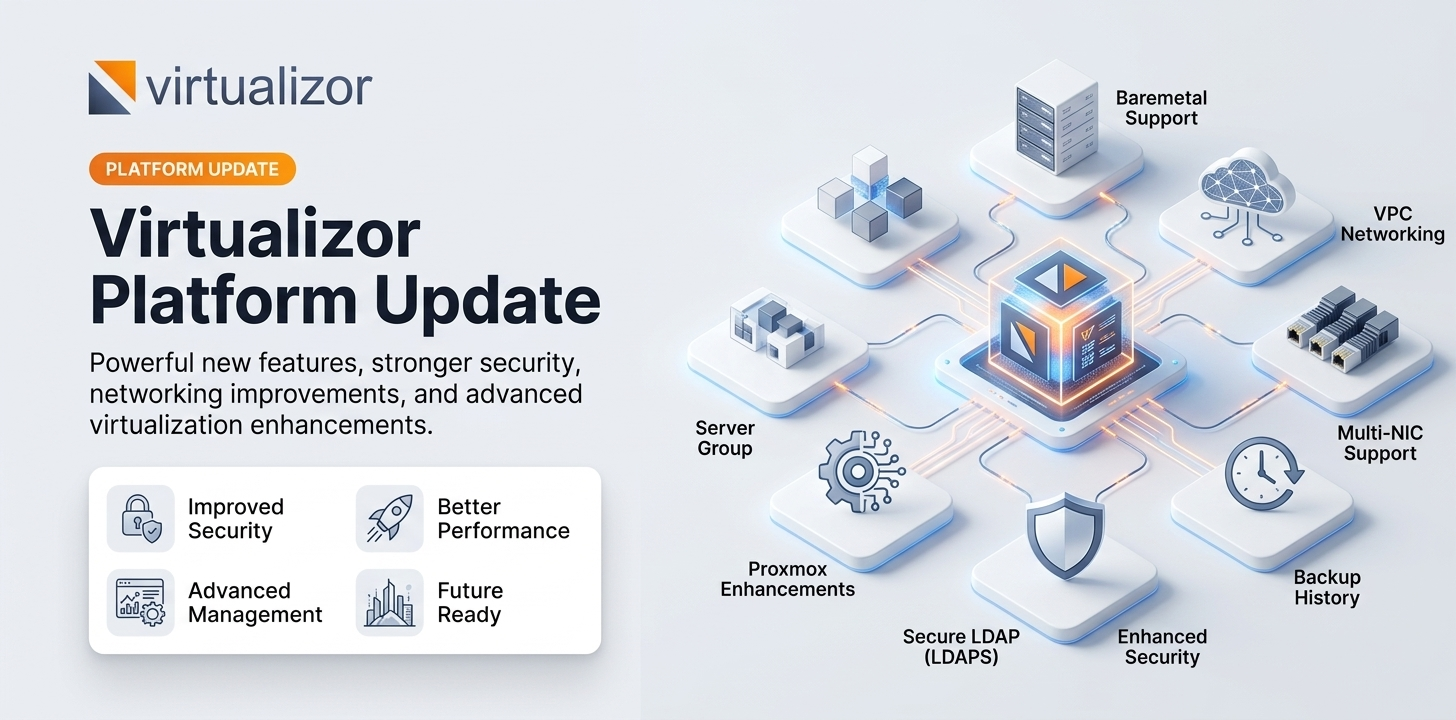
Virtualizor 3.2.9 is a significant release introducing full VPC networking, baremetal server management, and a range of improvements to security, API coverage, and platform stability.
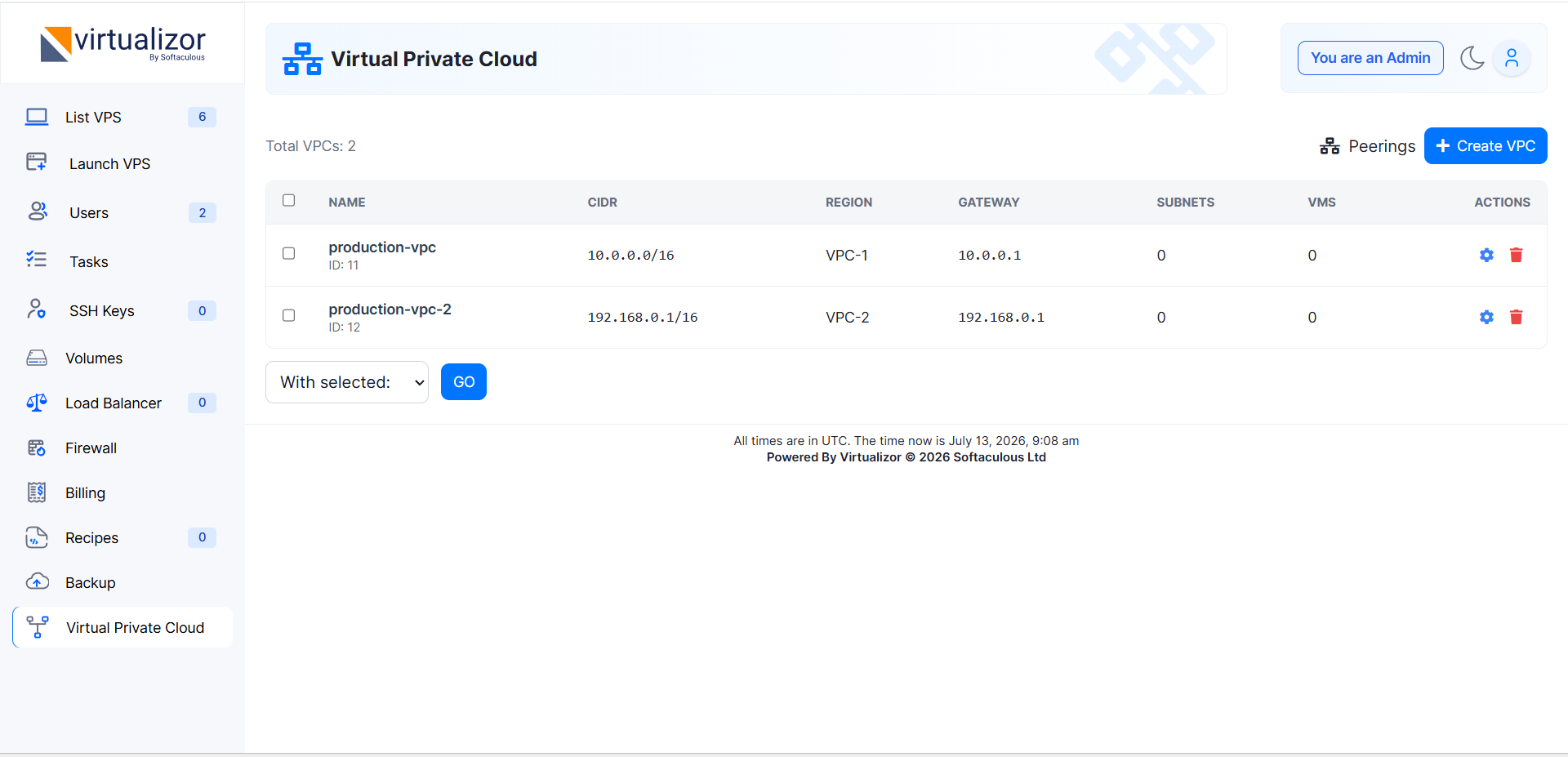
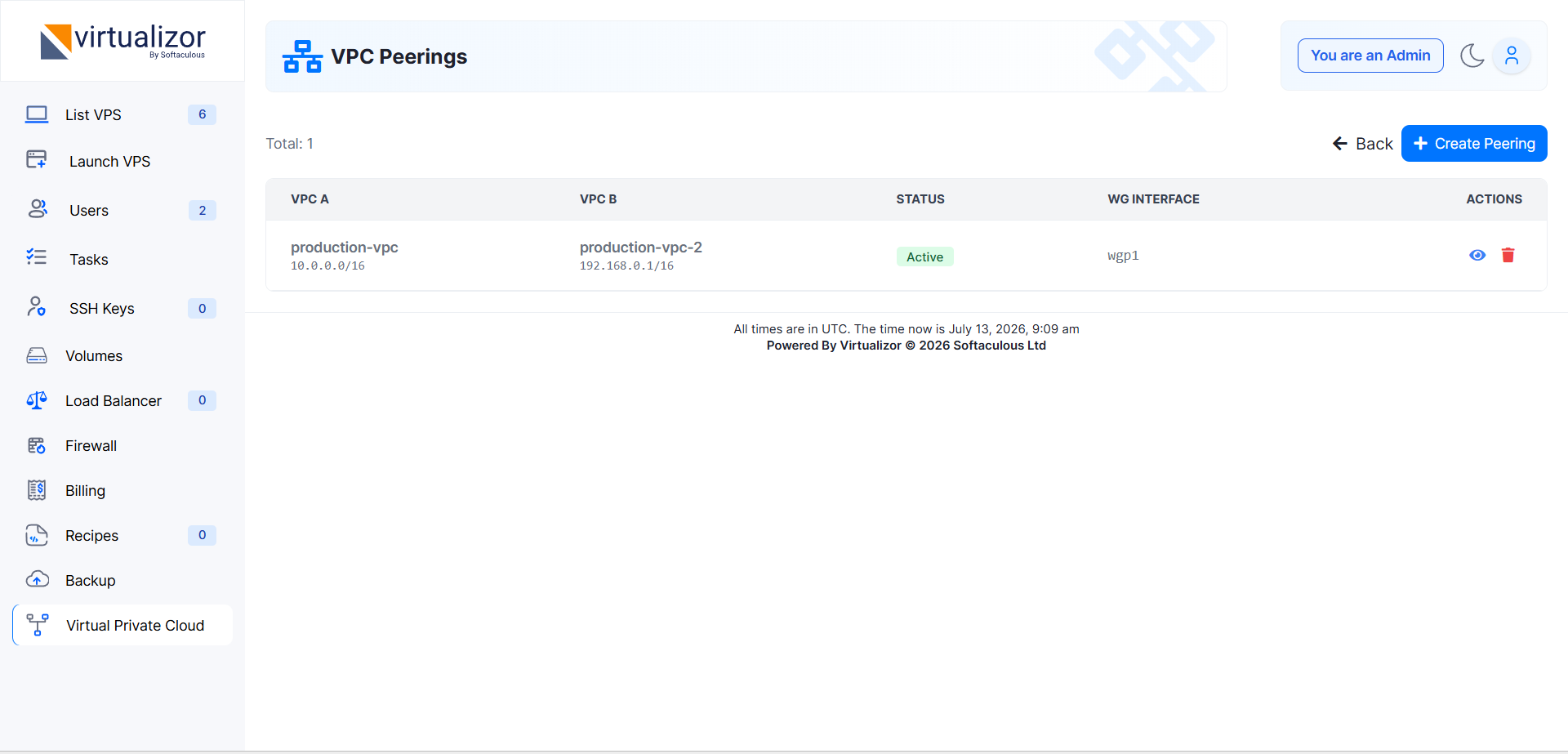
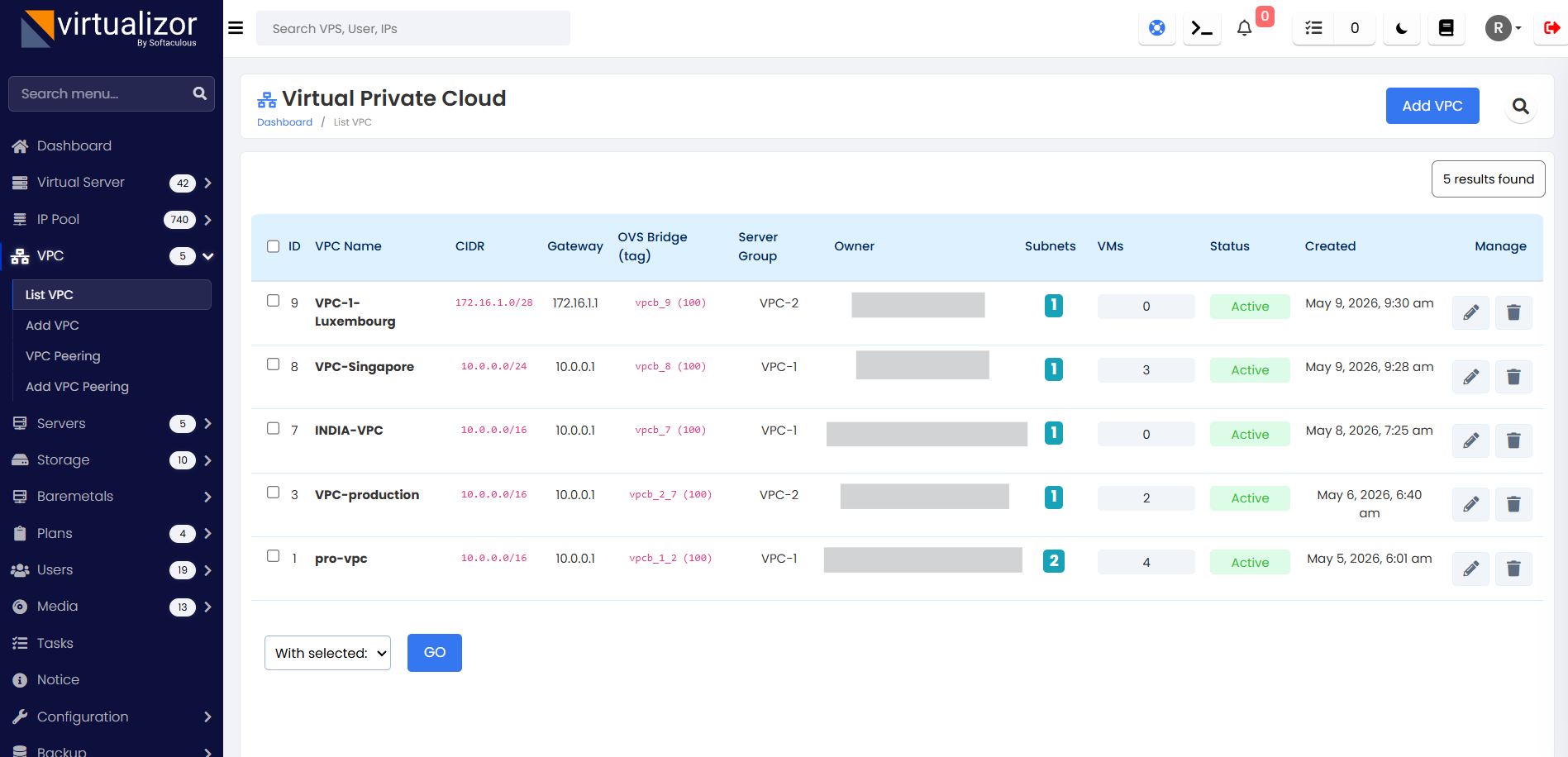
Full Virtual Private Cloud (VPC) networking support has been added. Administrators can now create isolated virtual networks and assign VPS instances to specific subnets for enhanced network isolation.
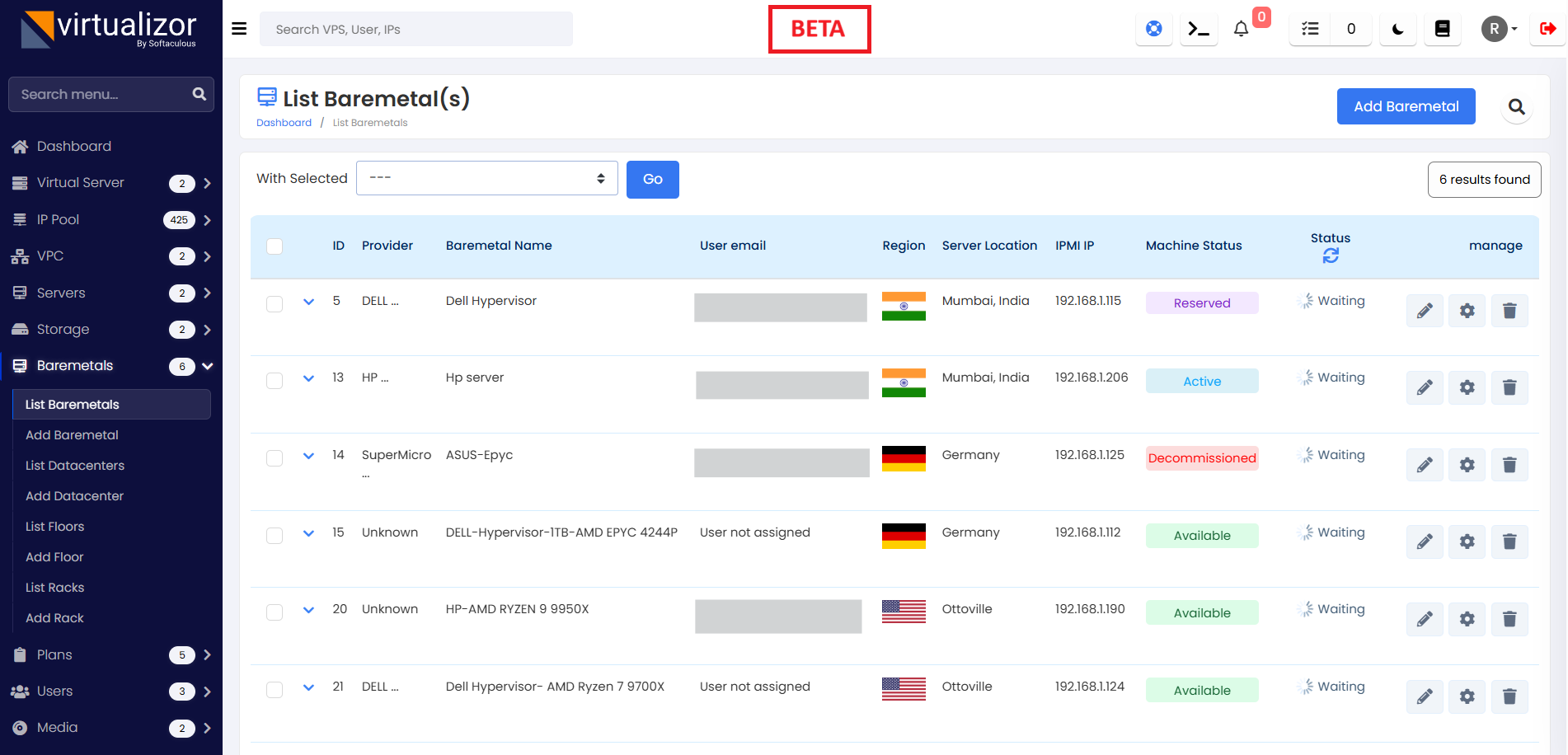
Physical baremetal server management has been introduced. This allows administrators to manage physical hardware alongside their virtual inventory within the same panel.
A hide_virtualization flag has been added to plans and individual VMs. When enabled, Windows-based virtual machines will not display "Virtualization: Enabled" within the Guest OS Task Manager.
A Secure LDAP option (ldaps) has been introduced for LDAP authentication settings. This enables encrypted communication between Virtualizor and your directory service for improved security.
Administrators can now terminate running backup tasks directly. Additionally, a dedicated backup history page has been added to track and review all previous backup operations.
The API response for creating a firewall plan has been improved to return the new firewall plan ID (fwpid) upon success. This simplifies automation workflows that require immediate reference to the new plan.
A new consolidated resource view has been added to the server group page. Administrators can now see the total RAM, CPU, and Disk usage across all nodes in a selected group at a glance.
Advanced CPU topology configuration is now supported for Proxmox KVM virtual machines. A thread count option has been added to allow fine-grained control over virtual core presentation.
Support for multiple network interface cards (Multi-NIC) has been implemented. Virtual machines can now be configured with several independent network interfaces for complex routing requirements.
Internal IP assignment is now supported for virtual machines using DHCP-based network configurations. This allows internal networking to be provisioned automatically via DHCP.
The following event hooks have been integrated for developer use:
suspendvps— Fired when a VPS is suspendedunsuspendvps— Fired when a VPS is unsuspendedbefore_upgrade_virtualizor— Fired before system binary upgradebefore_upgrade_virtualizor_db— Fired before database migrationsafter_upgrade_virtualizor— Fired after system binary upgradeafter_upgrade_virtualizor_db— Fired after database migrations
Several capability flags have been added for Proxmox LXC containers to enable advanced kernel features:
keyctl— Enable key management systemlxc_nfs— Enable NFS mount supportsmb_cifs— Enable Samba/CIFS supportlxc_fuse— Enable FUSE filesystem supportmknod_devices— Enable device node creation
The networking stack is transitioning from ebtables to nftables for network filtering. This modernises the firewall infrastructure and ensures compatibility with current Linux distributions.
The setting previously known as "Disable ebtables" has been renamed to Disable Anti-Spoofing Config. This change clarifies the impact of the setting on network security.
The editippool API call has been corrected to properly accept sgid (Server Group ID) as an input parameter. Previously, this parameter was being ignored during API requests.
Resolved an issue where the KYC verification page was failing to display identity documents uploaded by users. Administrators can now view submitted IDs as expected.
Fixed an issue where attaching a second disk to a VM with an existing backup plan would trigger a full backup for every subsequent run. The system now correctly handles incremental backups for multi-disk configurations.
The disk detection logic has been fixed to correctly identify primary disks for VMs with hostnames containing numeric characters. Previously, these were sometimes misidentified as secondary disks.
Network configuration for internal IP addresses has been corrected for Windows-based virtual machines. Internal IPs will now function correctly within the guest operating system.
The end-user panel now correctly distinguishes between locked and suspended states. Locked VPS instances will no longer be incorrectly labelled as "Suspended".
Security has been improved by ensuring both Admin and End-user panels correctly prompt for the current password before allowing a password change. This prevents unauthorised changes if a session is left active.
Email verification links sent during user registration are now set to expire after 24 hours. This reduces the security risk associated with long-lived unverified account links.
Resolved networking issues related to DHCP assignment on hypervisor nodes running AlmaLinux 10 or newer. VMs will now obtain DHCP leases correctly on these platforms.
A hypothetical SQL injection vulnerability in the authentication callback handler has been patched. User input is now properly sanitised to prevent malicious database queries. NOTE : This could not be re-produced and hence we are giving it a very low score on security
Patch 1
A real-time server load average display has been added to the top bar of the panel, giving administrators an immediate view of server health without navigating away from any page.
The VPC peering option is now available directly in the end-user panel. End users can manage peering connections between their virtual networks without requiring admin intervention.
The VPS stats page has been updated to support live plotting for resource graphs. CPU, RAM, and network graphs now update in real time without requiring a page refresh.
Fixed an issue where the email backup report displayed an incorrect count when a VM backup from the server failed. Reports now accurately reflect the number of successful and failed backup operations.
Resolved a regression introduced in v3.2.9.0 that prevented Backuply from uploading backups. Backup uploads to remote destinations via Backuply will now complete successfully.
Fixed a broken VPS domain forwarding wizard on the Manage VPS page. The wizard now loads and submits correctly, allowing administrators to configure domain forwarding without errors.
Resolved DHCP IP assignment issues for Multi-NIC configurations. Virtual machines with multiple network interfaces will now correctly obtain DHCP leases on all configured interfaces.
Fixed an admin-side issue where re-adding VPC peering rules would fail. Administrators can now safely remove and re-apply peering rules between virtual networks without encountering errors.
Fixed a critical issue where Ubuntu networking was not functioning properly on provisioned VMs. Network interfaces on Ubuntu-based virtual machines are now correctly configured on first boot.
Resolved a "Primary IP not found" error during VM rebuilds when the IP pool, server, or server group was changed. The system now displays a descriptive error message explaining the cause, making it easier to diagnose and correct the configuration.
Patch 2
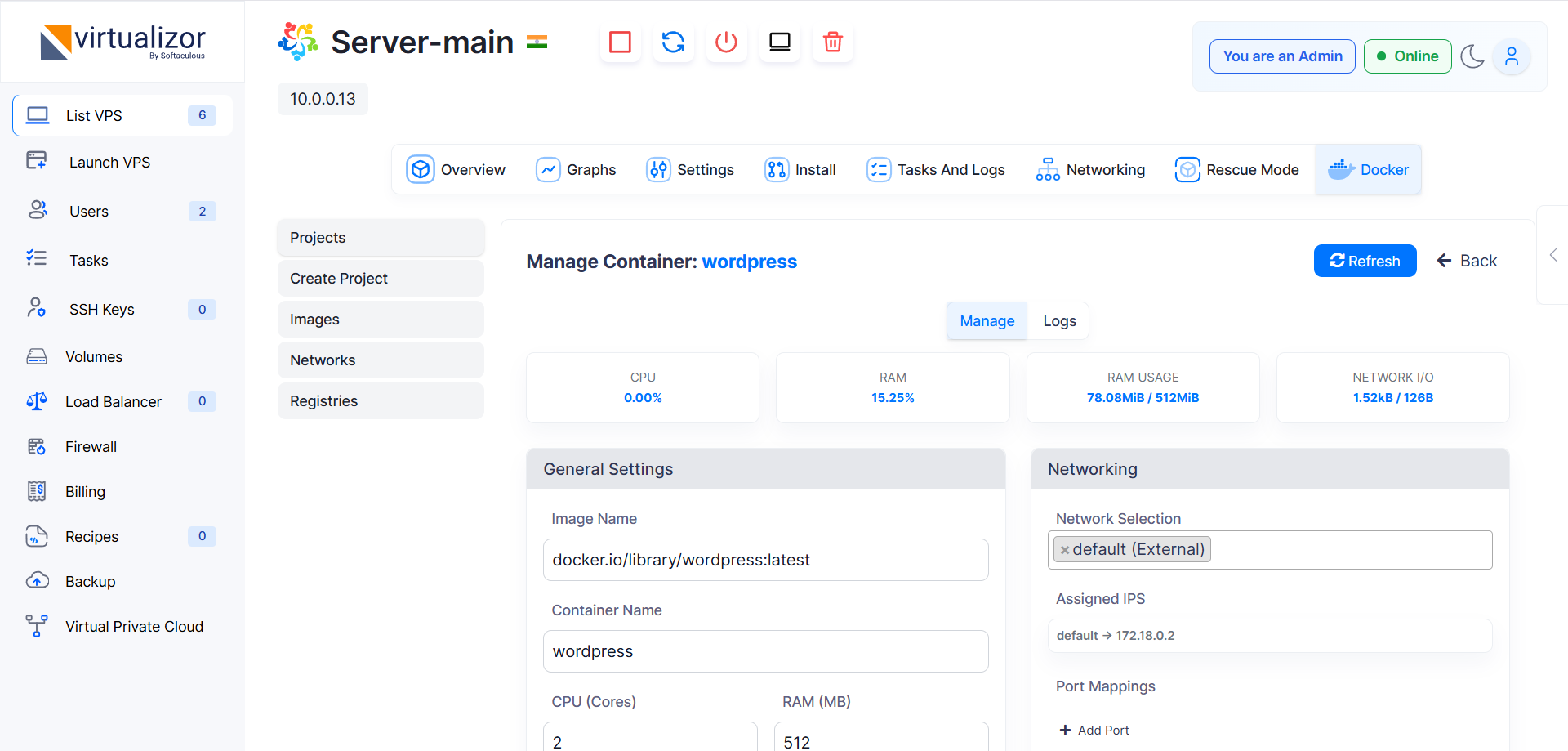
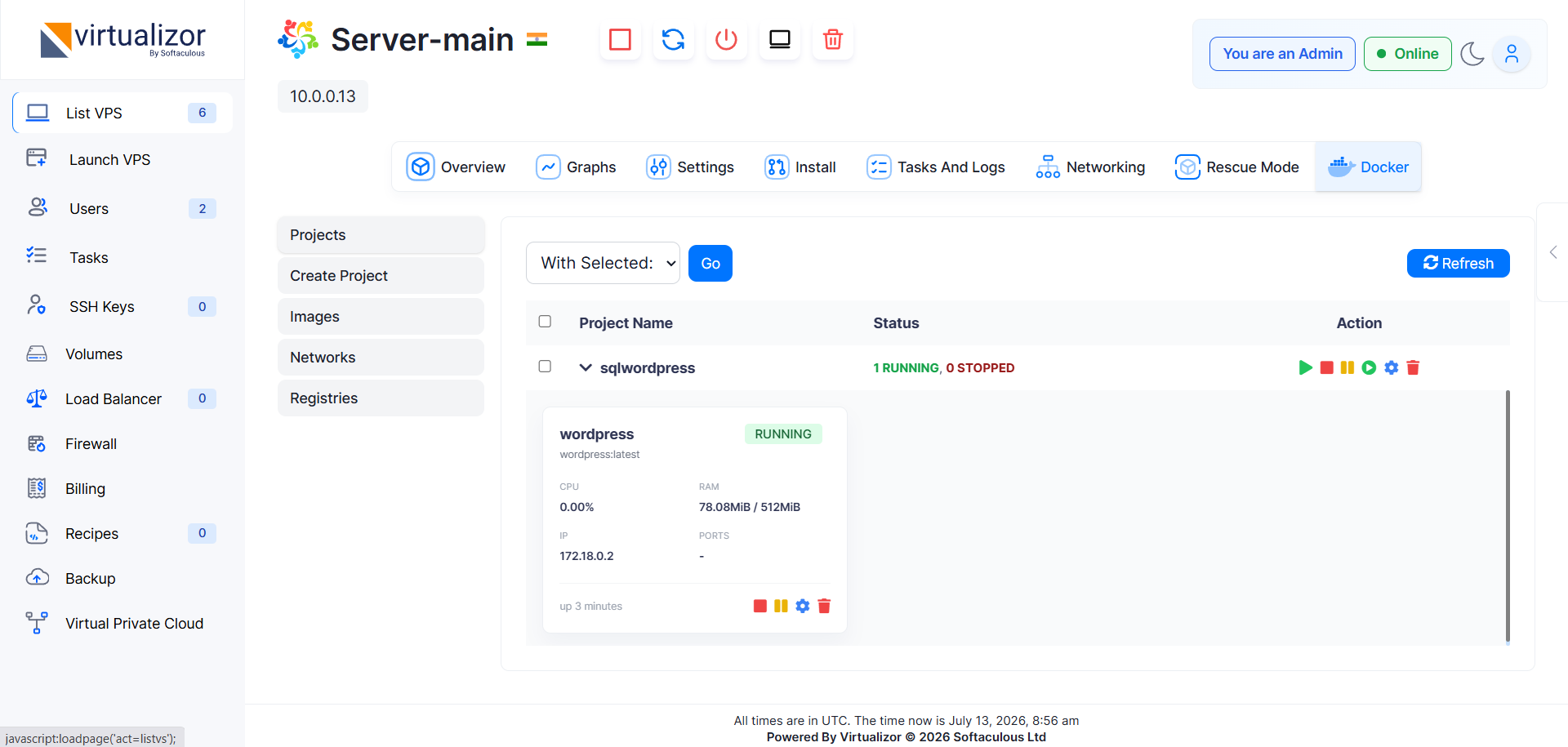
Docker Manager has been added to the end-user panel, enabling seamless container management. End users can now create, start, stop, and remove Docker containers directly from their control panel.
End users will now receive a suspension warning email when their VM exceeds the configured CPU usage threshold. This gives users advance notice before an automated suspension is applied.
Slave actions were incorrectly accessible on certain pages where they should not have appeared. These actions are now properly restricted to the relevant management pages only.
Administrators can now lock free IP addresses directly from the IP Pool list page within that IP pool. Previously this required navigating to a separate page for each IP address.
IPv6 pools can now be searched from the IP Pool page. The search functionality was previously limited to IPv4 pools, preventing administrators from quickly locating IPv6 addresses.
Users were still being prompted for two-factor authentication even after it was disabled by the administrator. This issue has been fixed and the 2FA prompt is now correctly suppressed when disabled.
Search functionality based on Storage ID has been added to the Storage List page. Administrators can now quickly locate specific storage volumes by their ID instead of scrolling through the full list.
Migration tabs were disappearing after migration completion, preventing administrators from reviewing the migration summary. This issue has been fixed and tabs now persist correctly after the migration finishes.
Patch 3
Docker Manager for end-user VMs has been extended with support for Docker Compose YAML files. Users can now deploy multi-container applications by uploading or pasting a Compose file directly in the panel.
Gateway out-of-range detection has been added to the Virtual Network service. The system now identifies and reports gateways that fall outside the configured network range, preventing silent misconfiguration.
Subnet notation is now supported for API key IP restrictions and panel access restrictions. Administrators can specify an entire subnet (e.g. 192.168.1.0/24) instead of listing individual IP addresses.
Terminal connections now support hostnames and will open successfully when a valid hostname is provided. Previously only IP addresses were accepted, blocking terminal access in hostname-only environments.
A show_unavailable_plans setting has been added under Billing → Cloud Setup. When enabled, cloud plans that cannot currently be provisioned are displayed as disabled along with the reason they are unavailable, improving transparency for end users.
Shift+Click multi-selection for checkboxes is now available across all Admin Panel and End-User Panel pages. Users can select a range of items by clicking the first checkbox, holding Shift, and clicking the last, significantly speeding up bulk operations.
During VM migration, firewall rules from the source node are now automatically copied to the destination node. Previously, migrated VMs lost their firewall rules, causing connectivity issues immediately after transfer.
The backup_rotation_count setting was previously hardcoded to 10 and could not be changed. Administrators can now set a custom value in universal.php to control how many backup snapshots are retained per VM.
Fixed a Proxmox issue where selecting Disk Driver: 0 combined with UEFI BIOS caused VM creation to fail. Both options can now be used together without triggering an error during provisioning.
Fixed an issue where rebuilding a VM using a Webuzo template with applications created an incorrect task type. The rebuild task is now correctly recorded and tracked in the task log.
Fixed an issue where users without any virtual machines received email notifications when administrators selected specific nodes for email alerts. Notifications are now correctly scoped to users who have VMs on the selected nodes.
Patch 4
A CVE (Common Vulnerabilities and Exposures) notice system has been added to the admin panel. When a known vulnerability is identified, administrators will see an actionable notice with the recommended steps to remediate it.
The SSO (Single Sign-On) link will now use the domain name configured for a slave server when a valid domain is saved. Previously the link always used the raw IP address regardless of any domain configuration.
During VM migration, Docker container information was not being transferred to the new VM. This has been fixed and all Docker configuration and container metadata is now correctly migrated alongside the VM.
When restoring a VM backup, if the slave node hosting the VM was offline at the time, the restore operation would fail without a useful error. This has been fixed and the restore process now handles offline slave nodes gracefully.
Fixed an issue where Docker containers were still listed after a VM was reinstalled. A reinstalled VM is now fully cleaned and Docker container records from the previous installation are removed as expected.
Patch 5
Fixed an issue where the Docker application link was not created correctly on VMs with multiple IP addresses. The link now resolves to the correct primary IP for the application, regardless of how many IPs are assigned.
Fixed an issue where network suspension did not apply to secondary IP addresses. When a VM is network-suspended, all assigned IP addresses — including secondary ones — are now correctly suspended.
Fixed an issue where speed limits were not applied to secondary IP addresses when a VM had multiple IPs from different IP ranges. Bandwidth throttling now applies uniformly across all IP addresses assigned to a VM.
Fixed an issue where a newly created VM was incorrectly displayed with a Suspended status during the creation process. The VM status indicator now accurately reflects the provisioning state until creation is complete.
Fixed a regression introduced in v3.2.9.2 where the disable_anti_spoofing_rules setting was reset to its default whenever a VM was edited, even if no changes were made to that field. The setting is now preserved correctly across edits.
Patch 9 :
A security tool has been added to check servers which could have downloaded a malicious package due to the BGP Hijack incident. This tool will identify and remediate the issue. We are still working on improving it further and will launch more patches.
Please let us know if you face any issues / have any suggestions.
Regards,
Virtualizor Team