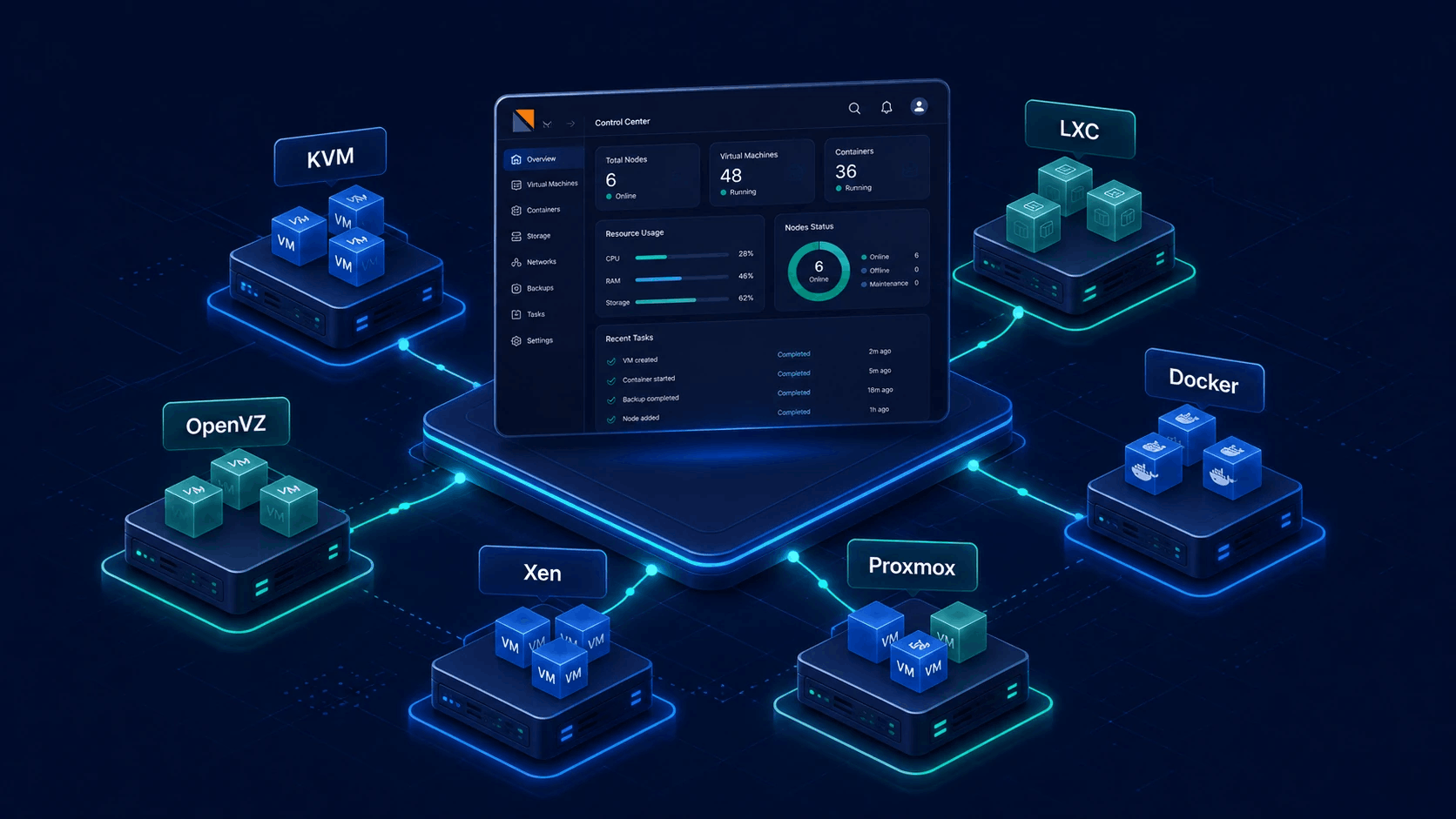
Native Docker Engine & Enduser Container Management
Run and manage Docker containers and multi-service stacks inside Virtualizor VMs. Endusers get a dedicated Docker Manager to create Compose projects, pull images from Docker Hub or private registries, map ports and volumes, and control the full container lifecycle - all from the panel.
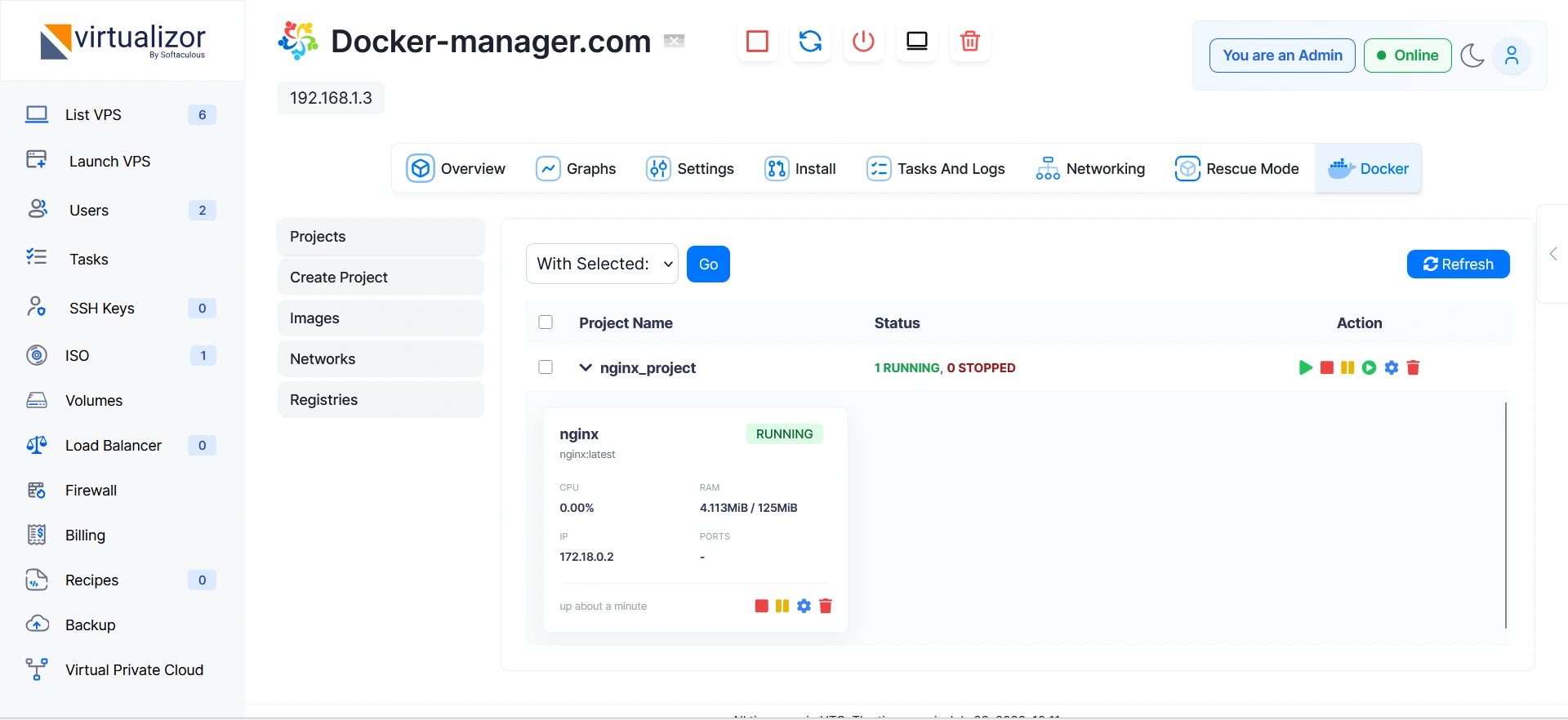
Full container management inside customer VMs
Transform Virtualizor VMs into self-managed container environments. Endusers get a dedicated Docker Manager UI to deploy, run, and scale containerized applications without requiring SSH access or external software.
- In-VM Container Runtimes
- State & Power Control
- Logs & Live Stats
- Port Forwarding & Volumes
Instant access to official Docker Hub images
Deploy universally accepted, verified software stacks directly from Docker Hub - the world’s largest container image registry.
Endusers are no longer limited to vendor-bundled templates. Simply enter any official or community Docker Hub image reference (such as nginx:latest, postgres:16-alpine, redis:alpine, python:3.11, node:20-alpine) to pull, instantiate, and configure persistent workloads in seconds.
Supported Container Stacks & Images
Deploy popular Docker Hub official images with pre-configured defaults or custom environment tags:
Easily pull any public or private image tag directly into Virtualizor container environments.
- Official Library Images
- Private Organization Repos
- Node-Level Layer Caching
- Tag & Security Tracking
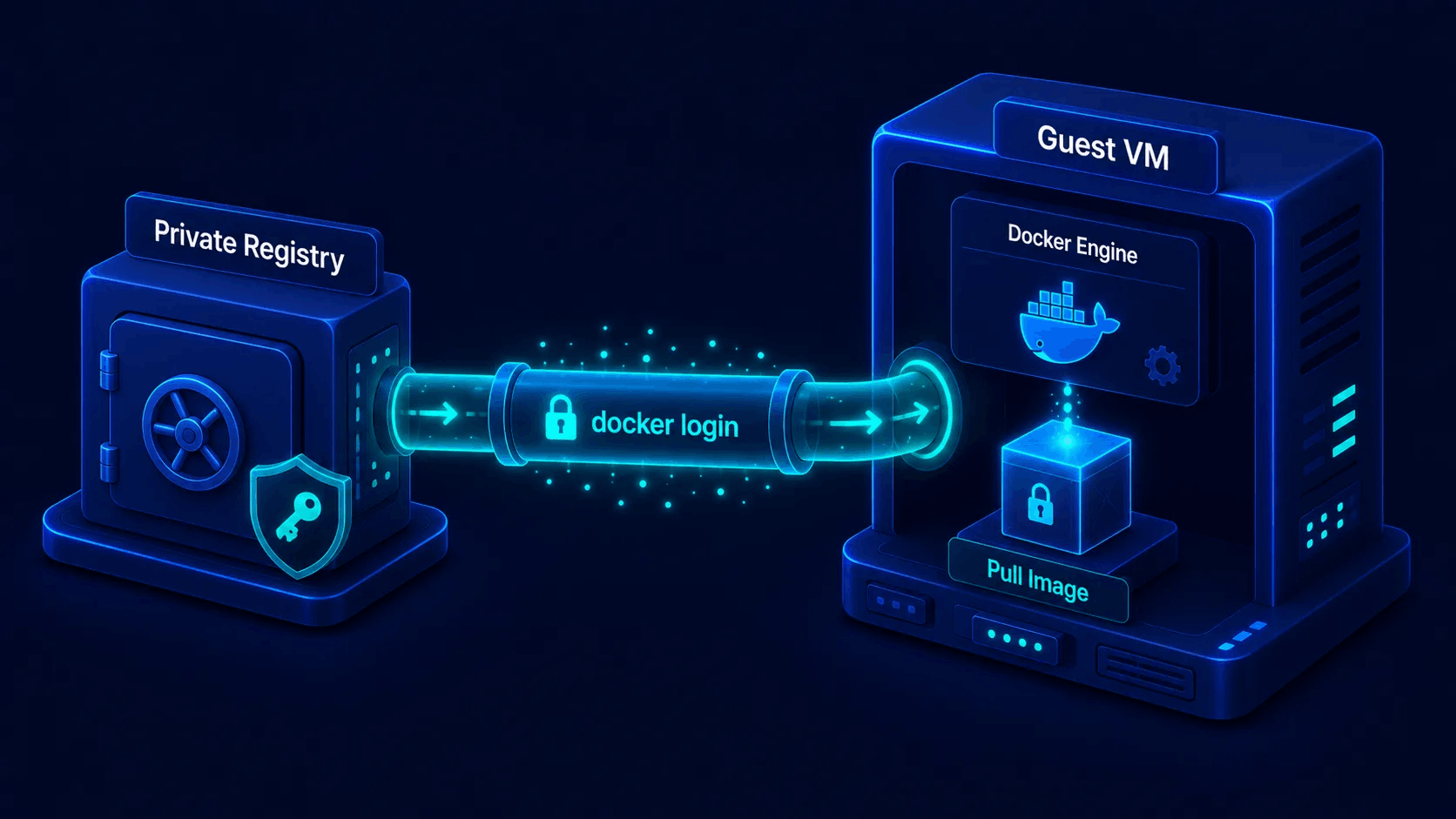
Secure registry login inside the guest VM
Store registry credentials per user and run docker login on the VPS so private images can be pulled without SSH or manual token juggling.
Enduser Docker Manager saves registry entries (name, host/URL, username, encrypted password) in user metadata, performs login on the VM, and supports login, logout, and delete for Docker Hub or a custom registry host.
- Add registry credentials
- docker login on VPS
- Docker Hub or custom host
- Login / logout / delete
How Docker Projects work in Virtualizor
A Docker Project is a named multi-container stack inside a single VM (Compose-style), not a multi-user team workspace. Endusers create projects from the Docker Manager on their running VPS; containers share a project_name and can be controlled as a group.
1. Open Docker Manager on a VM
The VPS must be running with Docker support enabled (guest agent). Admins can turn enduser Docker off globally with the panel setting; otherwise the enduser opens Docker Manager on that VPS.
2. Create a project stack
Choose a project name (e.g. webapp) and deploy either a Compose YAML document or a list of container definitions. Virtualizor validates the input and creates the stack on the VM.
3. Operate project & containers
Start, stop, restart, pause, unpause, or remove the whole project or individual containers. Add more services under the same project, edit env/ports/volumes/limits, stream logs, and inspect stats.
Project & container control map
These are the manage actions exposed by Docker Manager for projects and containers (same action set for both).
| Status | Action | What it does |
|---|---|---|
start |
Start all containers in the project, or a single container. | |
stop |
Stop project services or an individual container cleanly. | |
restart |
Restart the project stack or one container. | |
pause / unpause |
Pause or resume containers without removing them. | |
rm |
Remove the project (or container) and clean related Virtualizor Docker metadata on the VPS. | |
| Create / update | Create a project from YAML or container list; add containers to an existing project; update env, labels, ports, volumes, depends_on, CPU/RAM, network, and restart policy. |
Full Docker Compose YAML support
Deploy multi-service stacks as a single Docker Project using Compose YAML or a multi-container definition in Docker Manager.
Endusers submit a project name plus either a Compose YAML payload or a list of container definitions. Virtualizor validates the input and creates the stack on the VM under that project name, then groups services for start, stop, restart, and remove as one unit.
services:
  nginx:
    image: nginx:alpine
    ports:
      - "80:80"
    depends_on:
      - api
  api:
    image: python:3.11-slim
    environment:
      - DB_HOST=db
    depends_on:
      - db
  db:
image: postgres:16-alpine- YAML or containers JSON
- Multi-service stacks
- Environment variables
- depends_on control
Admin control plane vs enduser Docker Manager
Docker is managed per VPS. Admins govern access and can operate containers from the admin panel; endusers use Docker Manager on VMs they own (when not disabled).
System Administrators
- Require guest-agent capable virt types and Docker-enabled VMs
- Optionally disable Docker for all endusers from admin settings
- Open Admin Docker Manager on any VPS: list, inspect, create, and manage containers
- Enforce container CPU/RAM limits against the VPS allocation
- Manage registries, images, and networks for that VPS
Endusers (VPS owners)
- Use Enduser Docker Manager on their running, Docker-enabled VPS
- Create Compose projects (YAML or multi-container definitions)
- Add/update containers: ports, env, volumes, depends_on, CPU/RAM, networks
- Store private registry credentials (login/logout) and pull images
- Stream container logs and view live resource stats
Virtualizor Docker & Container Specifications
Capabilities grounded in Virtualizor Admin and Enduser Docker Manager.
| Status | Surface / Feature | Capability & Technical Detail |
|---|---|---|
| In-VM Docker runtime | Docker runs inside the guest VM with guest-agent support; VPS must be running and Docker-enabled before the manager accepts actions. | |
| Enduser Docker Manager | Enduser Docker Manager: projects, containers, logs, stats, registries, images, and networks. Admins can disable Docker for endusers from panel settings. | |
| Admin Docker Manager | Admin panel operates Docker on a selected VPS (list/inspect/create/manage containers, registries, images, networks) with CPU/RAM capped to VPS allocation. | |
| Docker Projects (stacks) | Named multi-container projects: create from Compose YAML or container JSON; list by project_name; manage with start/stop/restart/pause/unpause/rm. Not multi-user team RBAC. |
|
| Compose YAML | Create project with compose_yaml or multi-container payload; service depends_on validated against services in the same project. |
|
| Registries | Per-user registry credentials in user_meta (docker_registries); docker login inside the VPS; add/login/logout/delete registry entries (Docker Hub or custom host/URL). |
|
| Container config | Port mappings, environment variables, labels, volumes, restart policy, network, CPU and RAM limits, multi-deploy count (admin), inspect and update. | |
| Observability | Container logs (optional timestamps / line count), live stats, network list, and image list/delete inside the VPS Docker environment. |