How multi-hypervisor virtualization works in Virtualizor
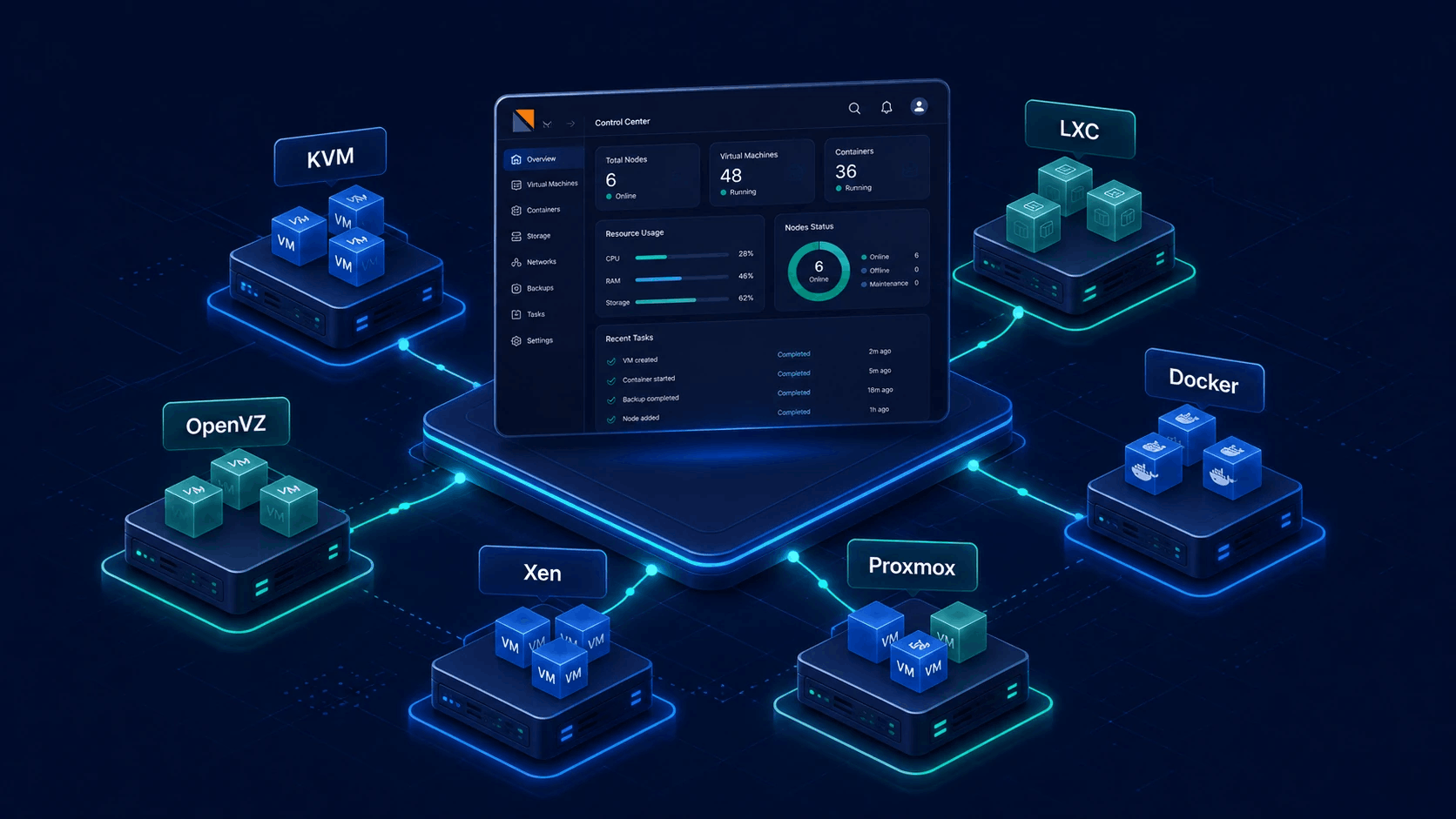
Virtualizor is the control plane between your operators, your customers, and the hypervisors on each node. One admin panel and one enduser experience - whether the guest is KVM, LXC, OpenVZ, Xen, Proxmox, Virtuozzo, XCP-ng, Docker or bare metal.

From license to running VPS
Virtualization in Virtualizor is not a single hypervisor product. It is a consistent workflow that talks to the right stack on each server.
Node + hypervisor
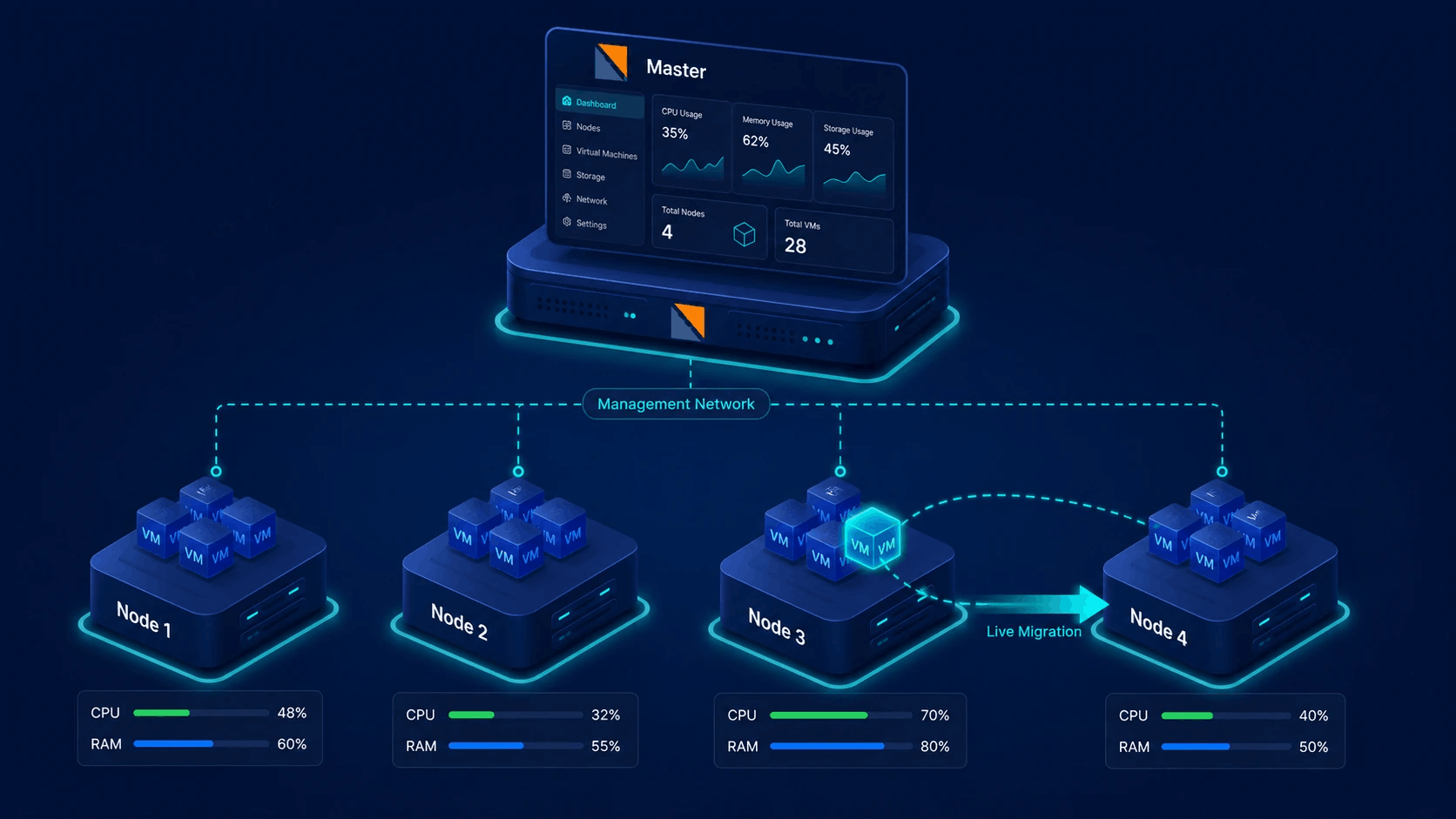
Install Virtualizor on a master and add slave (or standalone) servers. Each node is configured for a virtualization type - for example KVM on one host, LXC on another, Proxmox where you already run Proxmox.
Media, storage, plans
Admins pull OS templates and ISOs, attach storage, define IP pools and resource plans. Those building blocks become the choices shown when someone creates a VPS.
Provision & operate
Create, start, stop, rebuild, clone or migrate through the UI or API. Virtualizor drives the hypervisor on the node so operators and customers do not live in raw CLI for day-to-day work.
One panel, many virtualization paths
Hosting providers rarely run a single stack forever. Virtualizor keeps admin and enduser workflows familiar while each node uses the virtualization engine it was built for.
- Full VMs (KVM, Xen, Proxmox KVM, Virtuozzo KVM)
- Containers (LXC, OpenVZ, Proxmox LXC, Virtuozzo containers)
- Application containers (Docker) and bare metal servers
- Shared concepts: plans, templates, IPs, bandwidth, power actions
Virtualization types you can run under Virtualizor
Pick the engine that matches density, isolation and hardware. Virtualizor maps panel actions to that engine on each node.
KVM
Full hardware virtualization for Linux and Windows guests. The default choice for modern public cloud and VPS products with strong isolation and broad OS template support.
- qcow2 / raw disks and OS templates
- Virtio devices, VNC / noVNC console
- Clone, rebuild, rescue and migration paths
LXC
Lightweight system containers that share the host kernel. High density for Linux-only workloads when you want fast provision and lower overhead than full VMs.
- Template-based Linux containers
- Fast create and lower resource cost
- Ideal for many small Linux instances
OpenVZ & Virtuozzo
Container virtualization long used by hosting providers. Virtualizor supports classic OpenVZ paths and Virtuozzo variants so you can keep existing density models under one panel.
- OpenVZ 7 style container hosts
- Virtuozzo KVM and container options
- Familiar resource controls for VPS sellers
Xen & XCP-ng
Type-1 style virtualization for providers invested in Xen. Manage paravirtual and HVM style guests through the same Virtualizor admin and client experience.
- Xen and XCP-ng node types
- Template and image based deploy
- Power, console and resource views in-panel
Proxmox
Operate alongside Proxmox environments with dedicated virtualization types for KVM and LXC style workloads, so staff use Virtualizor workflows instead of switching UIs all day.
- Proxmox KVM and LXC types
- Cluster-friendly multi-node setups
- Unified billing and enduser portal options
Docker & bare metal
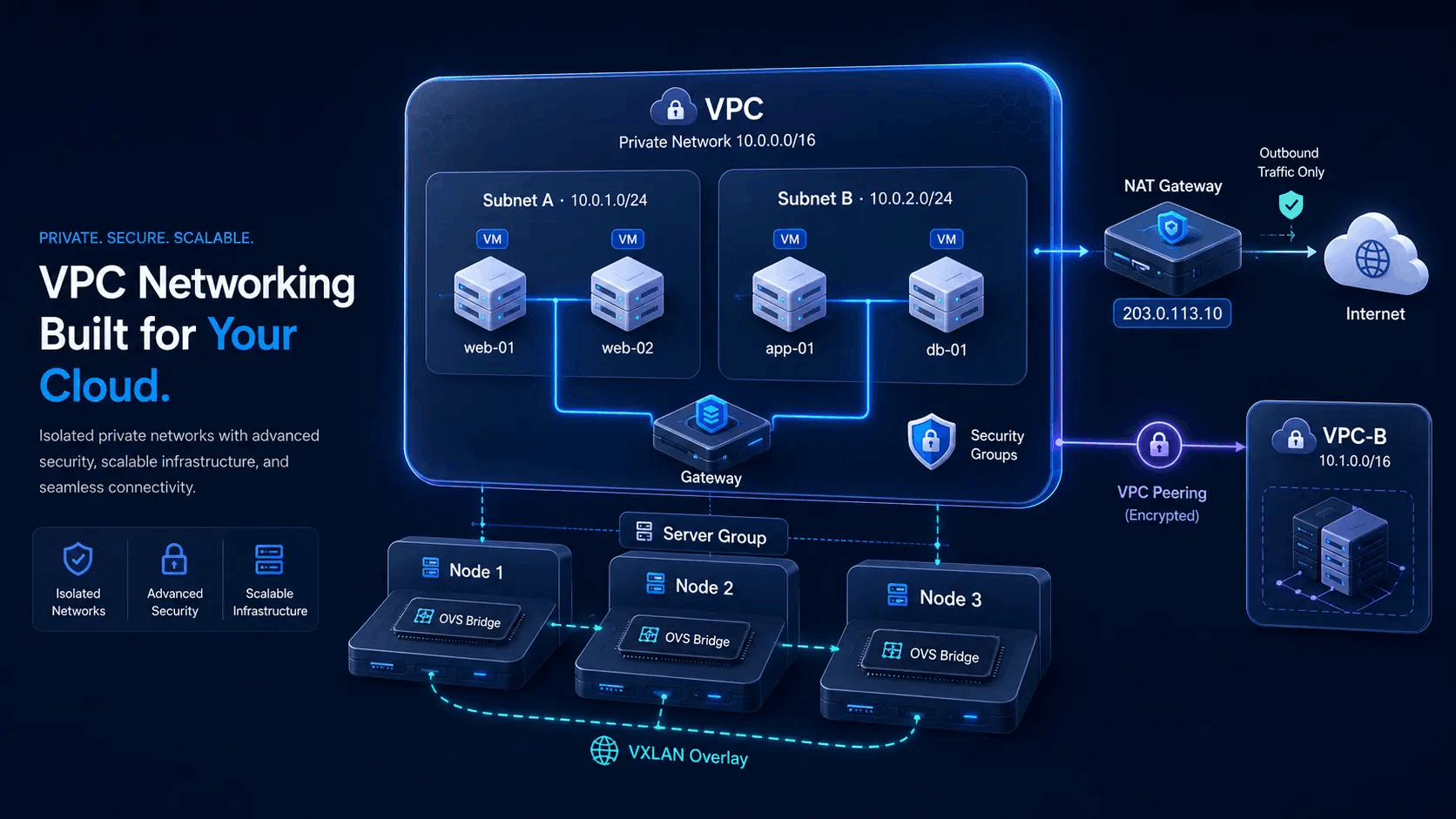
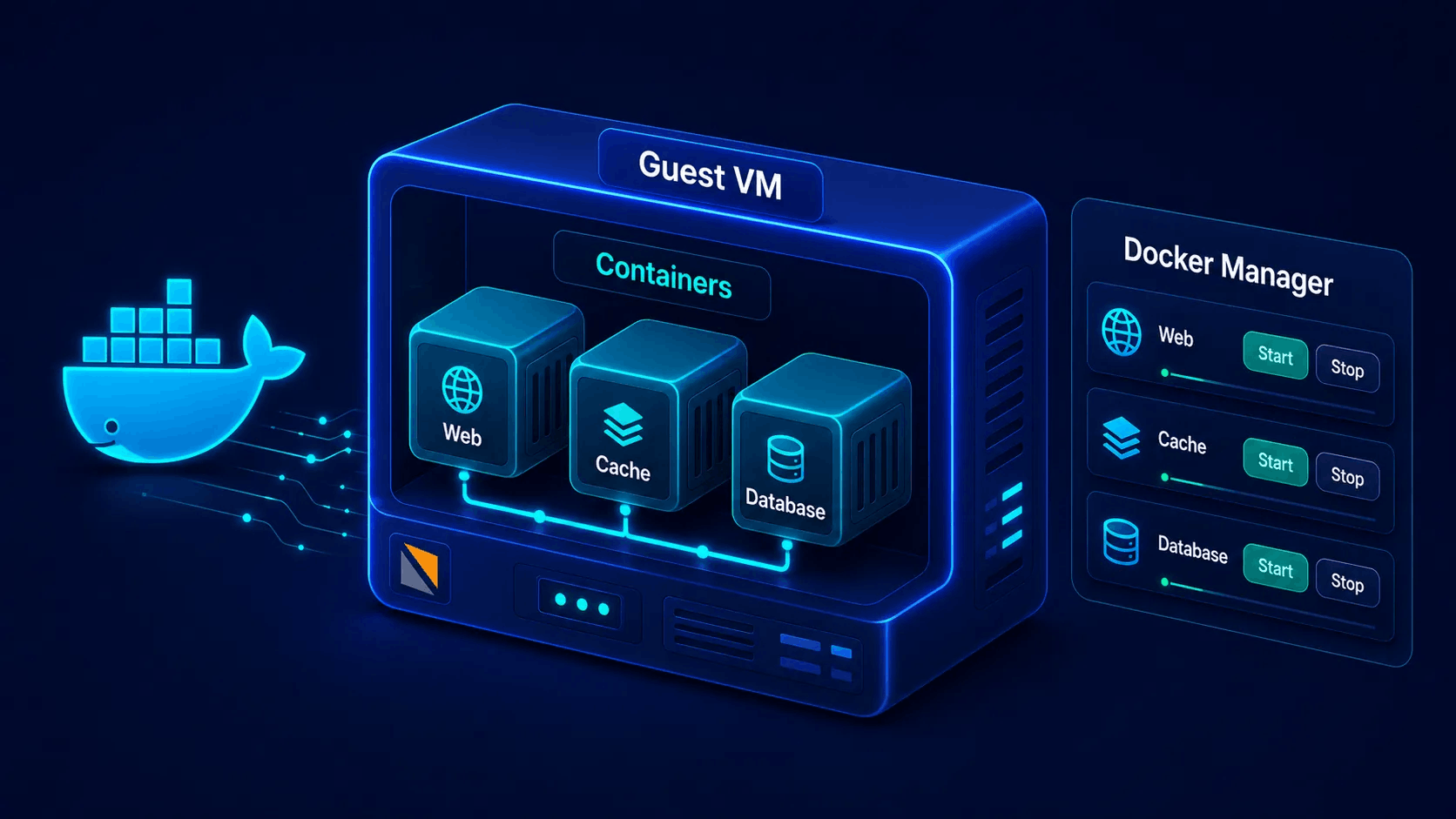
Extend beyond classic Linux VPS: Docker for app containers, Docker Compose stacks, and bare metal server management - all managed under Virtualizor's unified control plane.
- Docker Engine & container management
- Enduser Docker Manager & Project team workspaces
- Bare metal lifecycle in the same product family
The full VPS lifecycle from one place
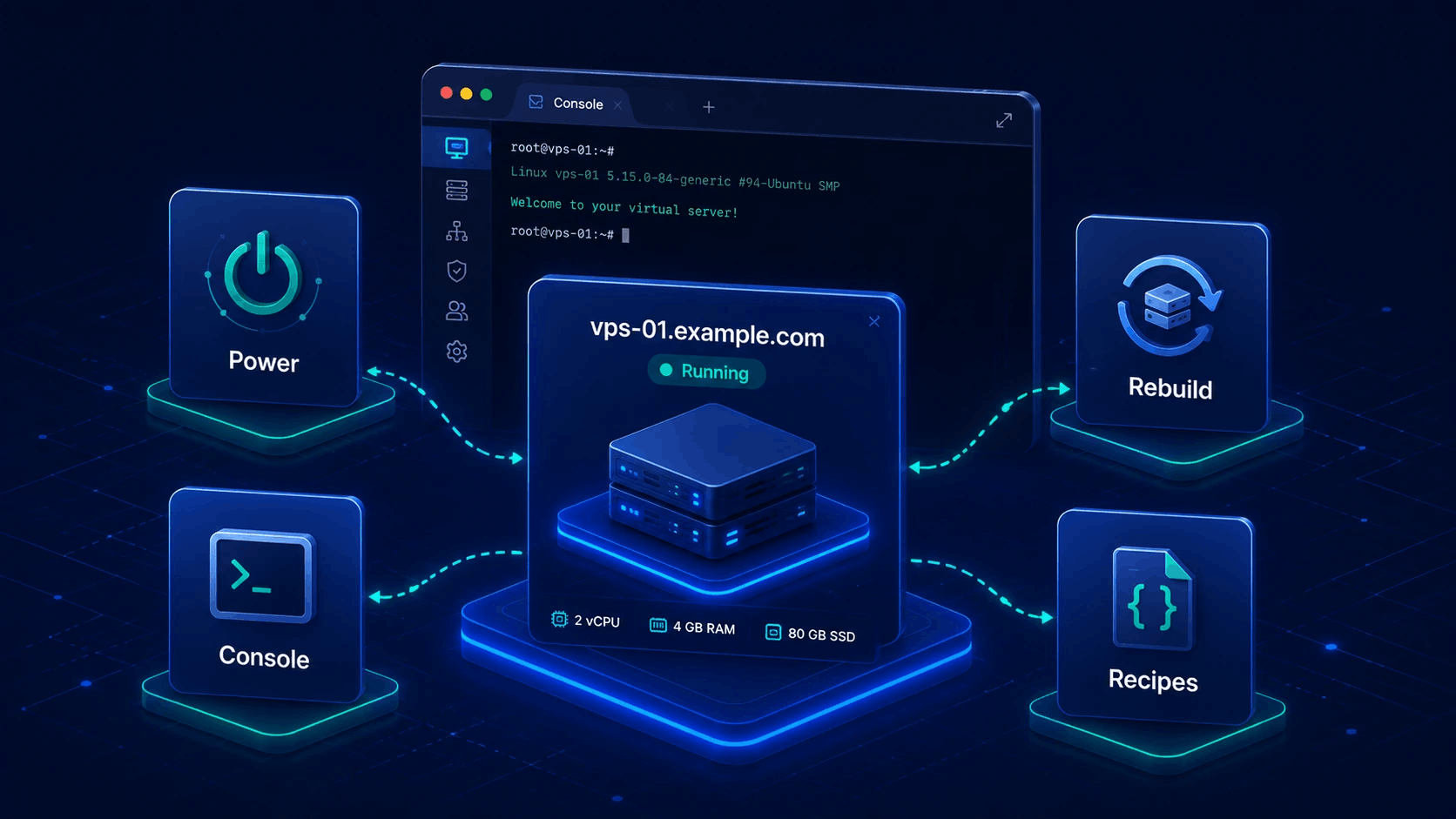
Once a guest exists, operators and end users drive the same practical actions Virtualizor was built for - without logging into each hypervisor host by hand.
Power
Start, stop, restart, and hard power off VMs or containers instantly from panel or API.
Console
Browser-native noVNC and VNC console access for out-of-band rescue, boot fix, and install.
Rebuild
Reinstall fresh OS from templates or custom ISOs with clean disk images in seconds.
Resize & plans
Dynamically scale CPU cores, RAM, disk space, and bandwidth limits to match plan upgrades.
Network
Manage primary & additional IP pools, reverse DNS PTR hooks, and custom firewall rules.
Recipes
Automate post-create bash/powershell scripts for stack deployment, hardening, and agent installs.
OS templates that match each virtualization type
A Debian or AlmaLinux image is packaged per stack (for example KVM qcow2 vs LXC rootfs). Admins download what they need in Media; create-VPS flows only show templates valid for that node type. That keeps each format matched to the hypervisor so guests boot with the correct disk layout, drivers and packaging.
- Large library of Linux and Windows ready images
- Webuzo-ready templates for app-heavy VPS products
- ISO attach for custom installers where the stack allows it
- Rescue images for recovery without physical hands on the box
Why templates are per-virt
KVM expects disk images; containers expect root filesystems; Xen and XCP-ng use their own packaging. Virtualizor tracks the virtualization type on each template so you do not accidentally deploy the wrong format on a host. One distro name can ship as several files - one per stack - with sizes and formats that match that engine.









Same distro families ship in multiple formats (for example KVM qcow2 vs LXC rootfs). Browse the catalog for names and sizes, then pull selected images from the admin panel on your licensed master - not as public template downloads from this marketing site.
Clone, migrate and import without starting over
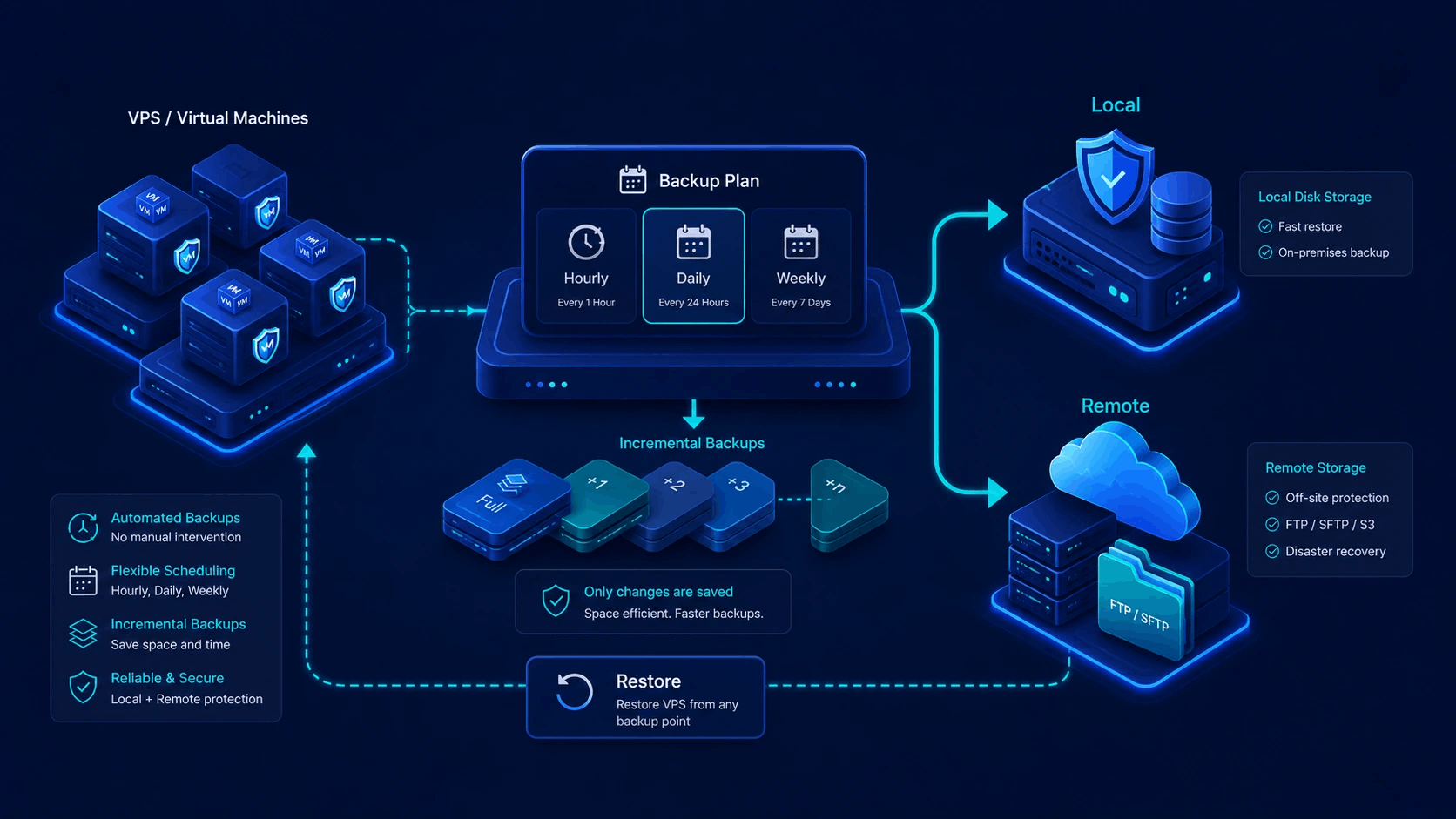
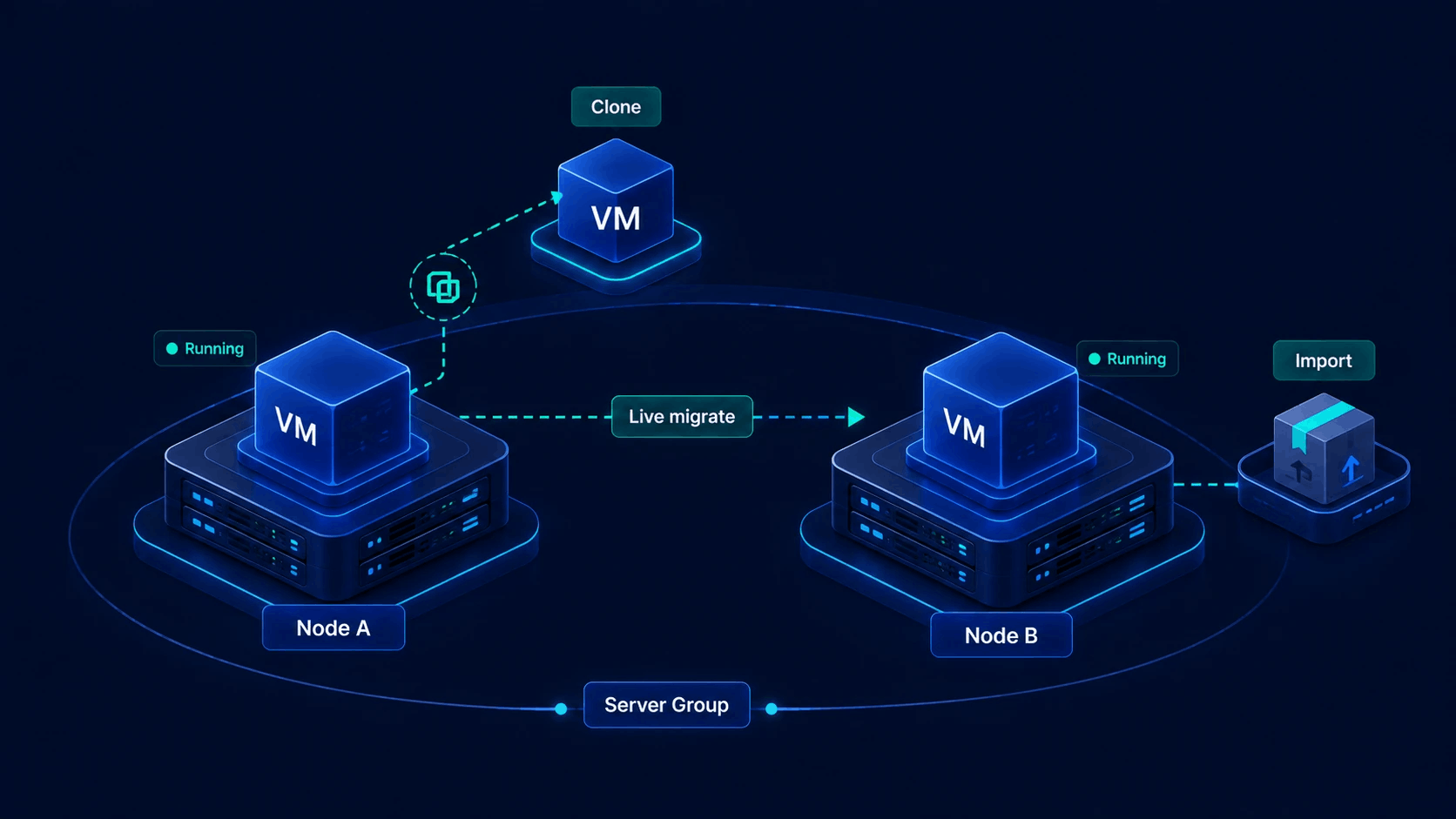
Growth means balancing nodes and absorbing fleets. Virtualizor includes operational moves that keep customer identity, networking and billing context intact as far as the platform allows.
| Status | Capability | Details & Action |
|---|---|---|
| Clone | Duplicate a VPS for staging, scale-out or customer copies | |
| Migration | Shift guests between nodes (live or offline) when stack supports it | |
| Import | Bring in workloads from ecosystems such as SolusVM or Proxmox-oriented sources | |
| Server groups | Placement rules for where new and migrated VPS land |
Admin power, customer self-service
Virtualization features are exposed carefully: full control for staff, scoped actions for resellers and end users.
Administrators
- Add servers and set virtualization type per node
- Manage storage, IP pools, plans and OS media
- Create any VPS, suspend, migrate, delete and audit tasks
- Use admin API for automation and billing glue
End users & resellers
- Launch from allowed plans and templates (cloud / reseller models)
- Power cycle, console, reinstall and basic networking within ACL
- See usage graphs without seeing other customers
- White-label ready client experience for your brand
What “virtualization features” means in practice
A concise map of product capabilities - not marketing fluff.
| Area | What you get | Why it matters |
|---|---|---|
| Multi-hypervisor | Many node types under one master | Grow or absorb fleets without a second control panel product |
| Provisioning | Wizard / form create with plans, media, IPs | Staff and customers follow the same product rules every time |
| Templates & ISO | Per-virt OS library + ISO where supported | Minutes to a usable guest instead of manual install every time |
| Console | Browser console access | Fix boot and network issues without IPMI for every small VPS |
| Rebuild / rescue | Reinstall and recovery media flows | Self-service recovery reduces support tickets |
| Clone & migrate | Copy and move guests across capacity | Balance load and deliver staging copies quickly |
| Recipes | Scripted post-install automation | Standard stacks (LEMP, panels, agents) without manual SSH every order |
| API | Admin and enduser APIs | Wire WHMCS, custom portals and internal ops tools to the same engine |