Private VPC networking, built into the panel
A VPC is an isolated private network scoped to a server group. Create it, carve subnets, attach VMs, and Virtualizor builds the OVS bridge and VXLAN overlay across every node that needs it - no manual tunnels, no third-party SDN.

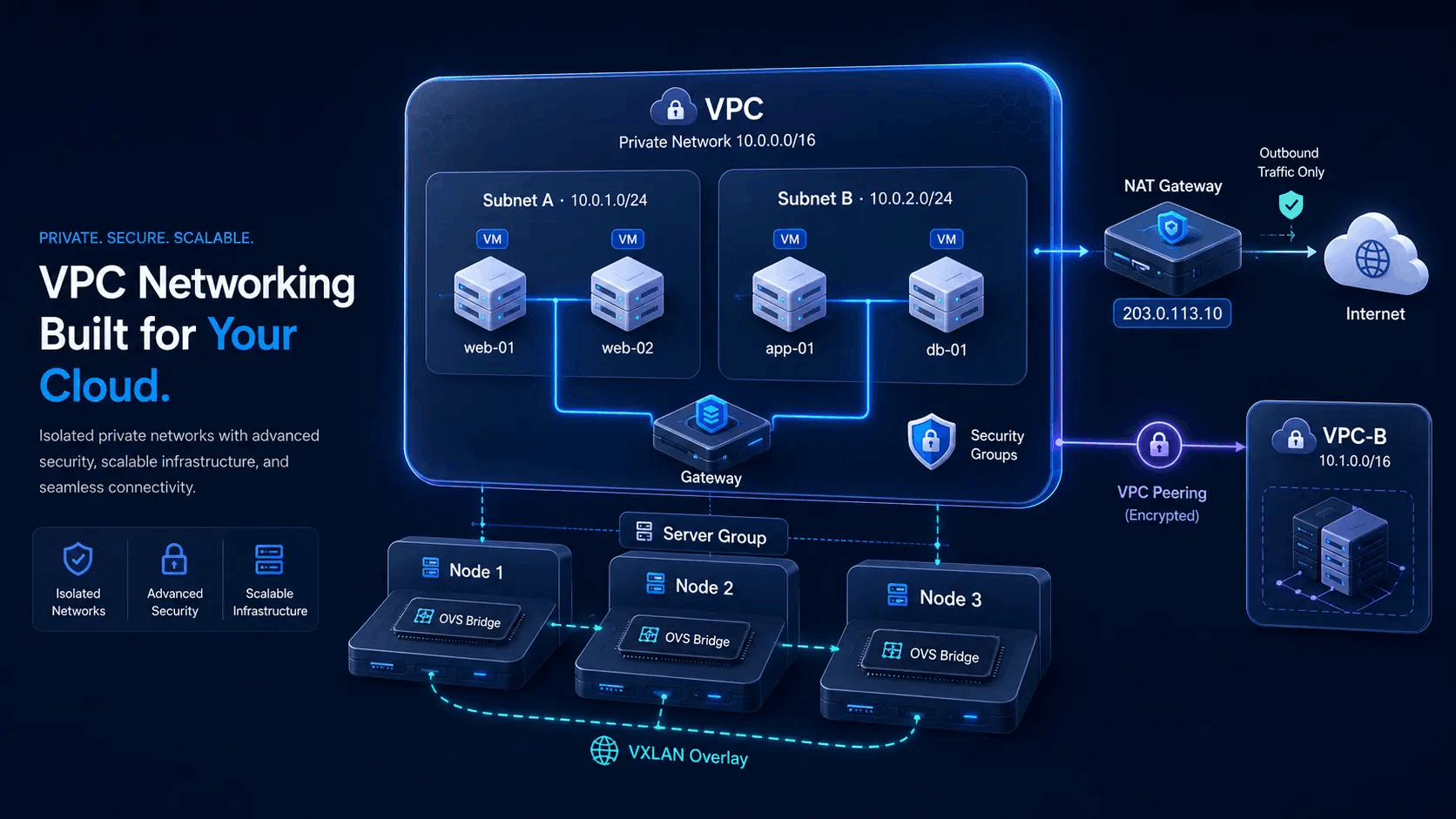
Subnets, overlay and optional controls
One VPC object: isolated CIDR, subnets with attached VMs, OVS/VXLAN across nodes that need it, and NAT, security groups or peering only when you turn them on.
- VPC-A with Subnet A/B and guest private IPs
- OVS bridge + VXLAN mesh across participating nodes
- Optional NAT gateway for outbound internet
- Optional peering to VPC-B in another server group
From VPC create to private VM traffic
One feature, one flow. Virtualizor creates the private network objects and the overlay so you do not hand-build tunnels for every host.
Create VPC + subnets
Set name, CIDR, gateway and DNS. Bind to a server group. Add subnets with IP windows. Virtualizor creates the OVS bridge on the primary node.
Attach VMs, any node
Attach a VPS to a subnet at create time or from manage VPS. Guests get a private IP. Any node in the server group can join the overlay automatically.
Add controls if needed
Enable a NAT gateway for outbound internet, security groups for in/out rules, or peering to another VPC in a different server group.
What a Virtualizor VPC actually gives you
Three parts, one object. No separate products to license or wire together.
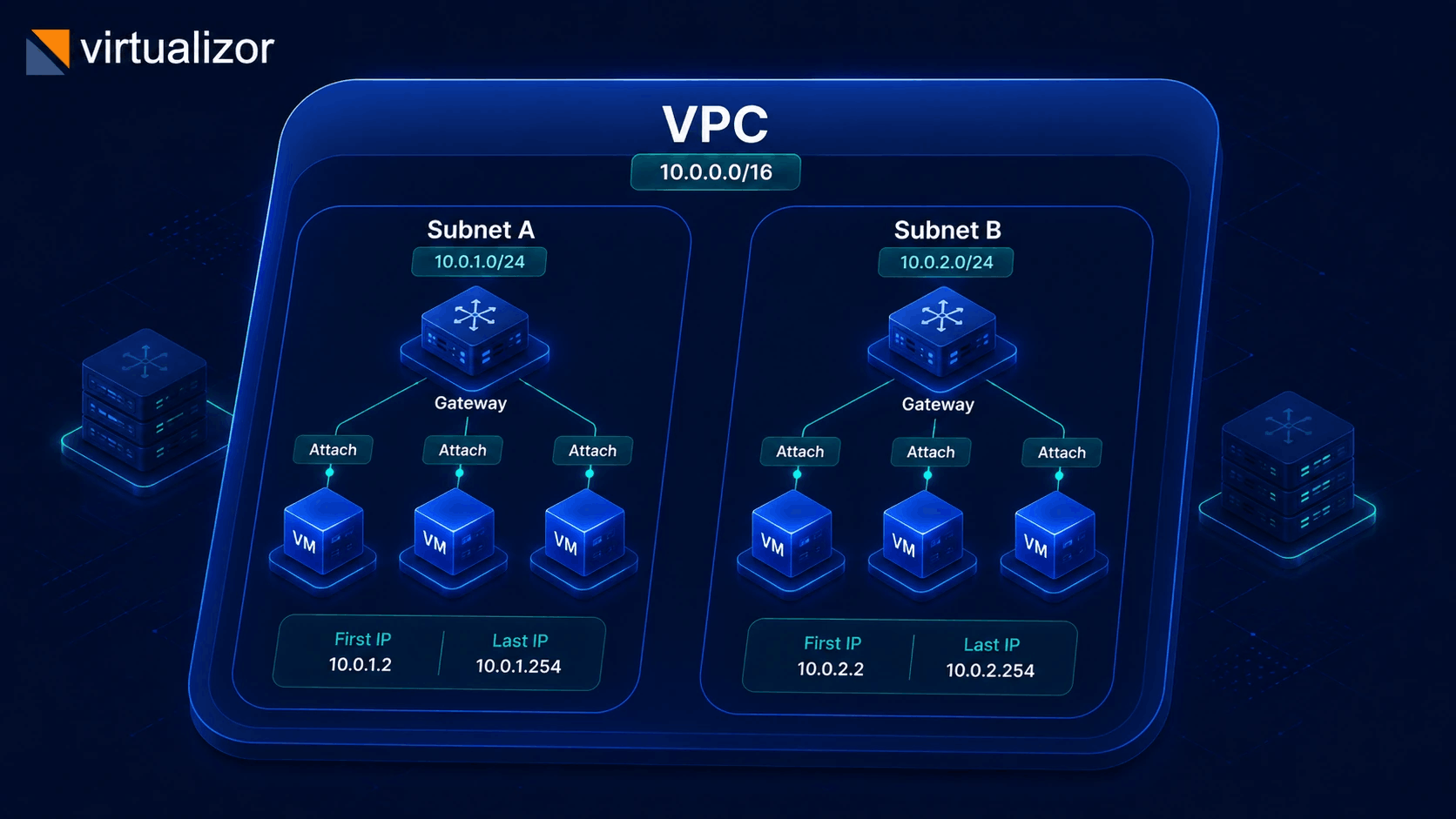
Subnets & attach
Subnets sit inside the VPC CIDR with their own gateway and IP window. Attach guests at create time or later from manage VPS - VLAN tags are assigned automatically.
- Subnet must fit the parent CIDR, no overlaps
- First / last IP window for allocation
- Can't delete a subnet while VMs are attached
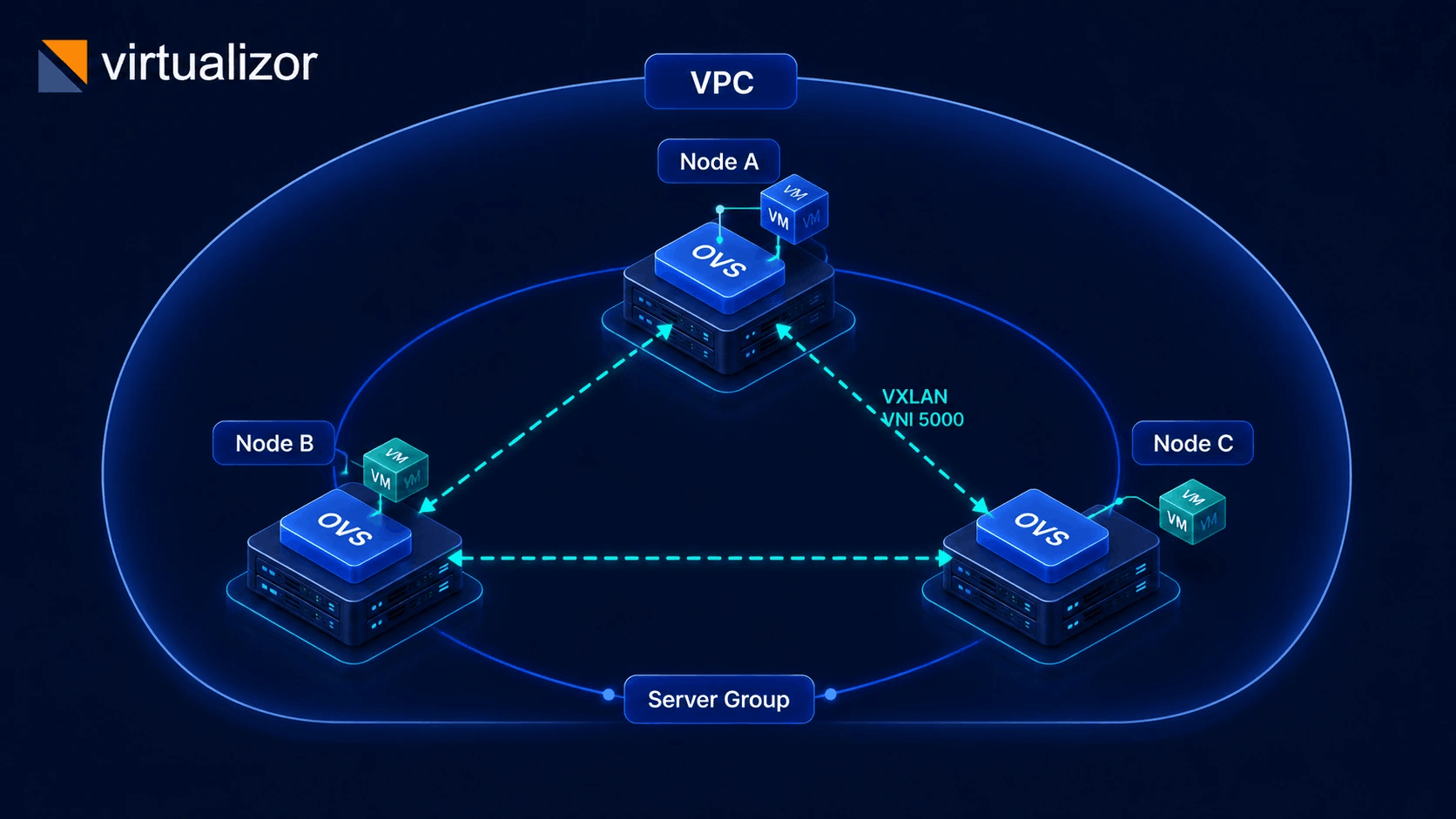
Multi-node overlay
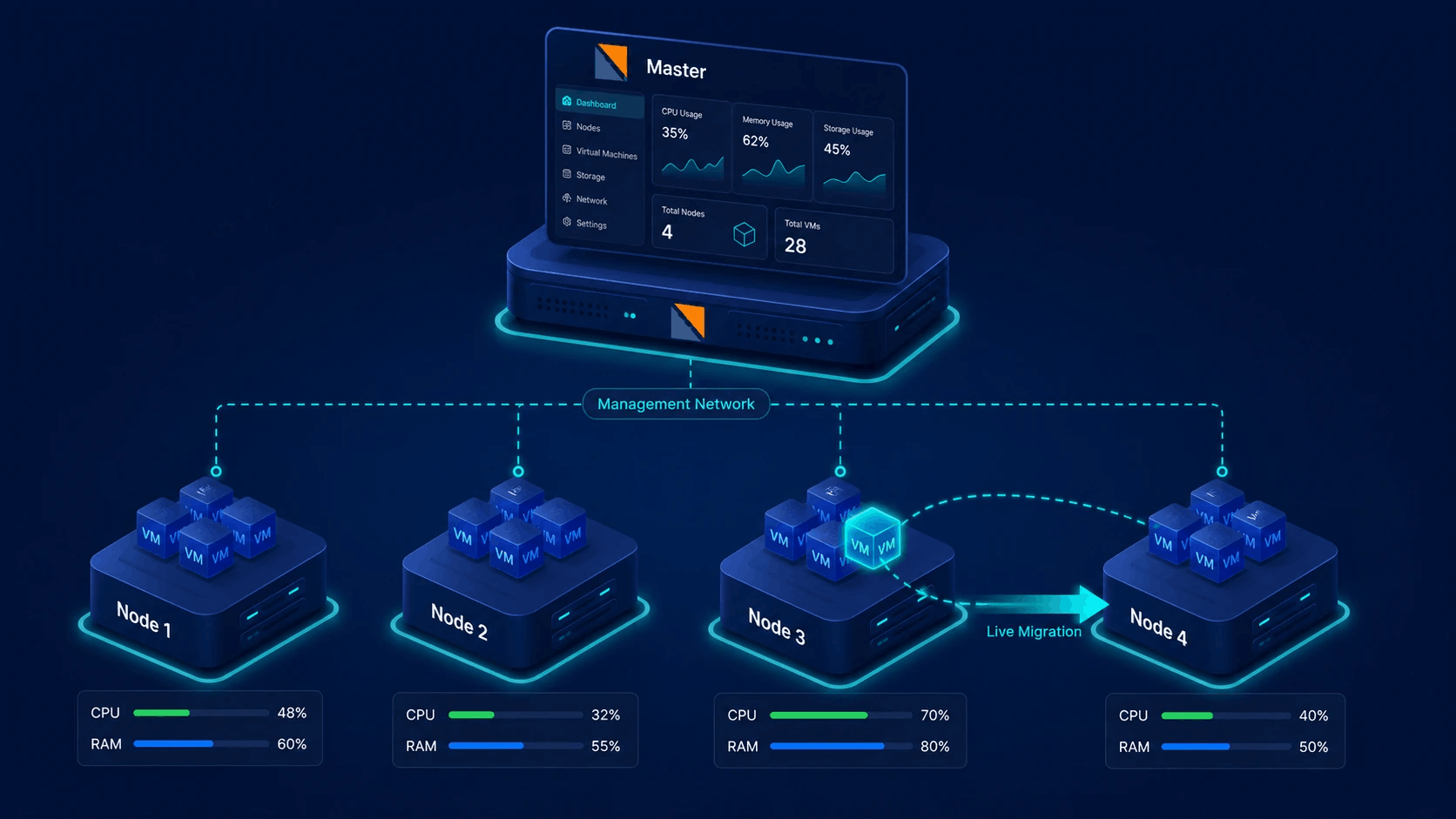
When a VM on another node needs the VPC, Virtualizor ensures that node has the bridge and builds VXLAN tunnels to peer nodes - on demand, not pre-provisioned everywhere.
- Same OVS bridge on every participating host
- VXLAN mesh keyed to the VPC's VNI
- Overlay stays inside the VPC's server group
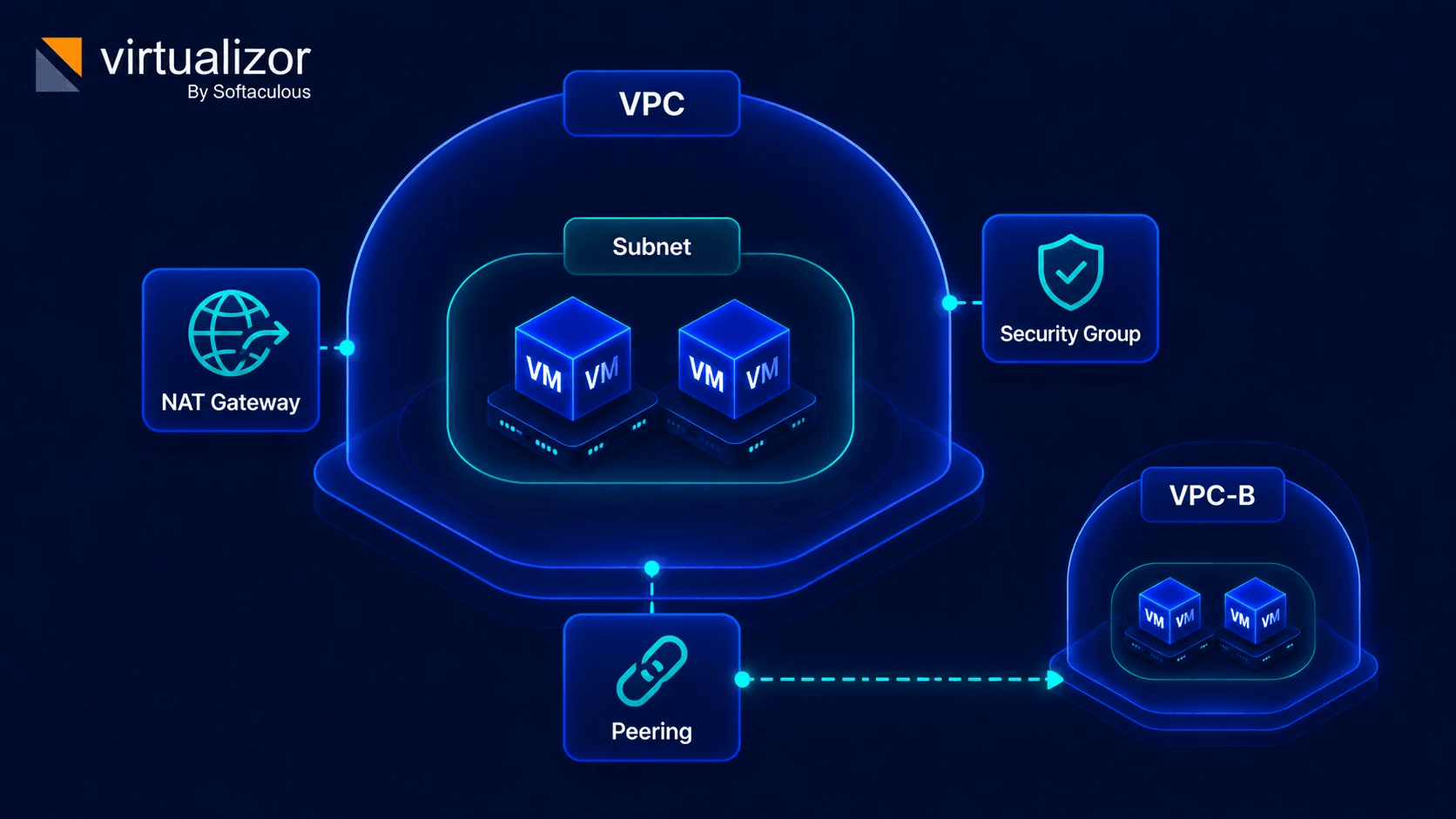
NAT, security groups & peering
Private by default. Turn on only what the workload needs - outbound internet, filtered traffic, or a link to a VPC in a different server group.
- NAT gateway: outbound via a public IP, bandwidth tracked
- Security groups: in/out rules by protocol, port, CIDR
- Peering links different server groups only
Virtualizor VPC feature specifications
Technical details of Virtualizor's built-in private cloud SDN engine.
| Status | Feature / Component | Capability & Technical Detail |
|---|---|---|
| Subnets & CIDR | Isolated CIDR blocks (/16 to /28) with custom gateways, DNS, and allocation windows. | |
| Multi-Node Overlay | Automatic Open vSwitch (OVS) bridge creation and VXLAN encapsulation keyed by VNI. | |
| NAT Gateway | Outbound internet access via dedicated public IP with real-time bandwidth metering. | |
| Security Groups | Stateful firewall rules filtering TCP, UDP, ICMP traffic by port and IP range. | |
| VPC Peering | Encrypted private cross-server group interconnects without public routing. | |
| Hot-Plug Attach | Dynamically attach or detach VMs to subnets without rebooting host nodes. |
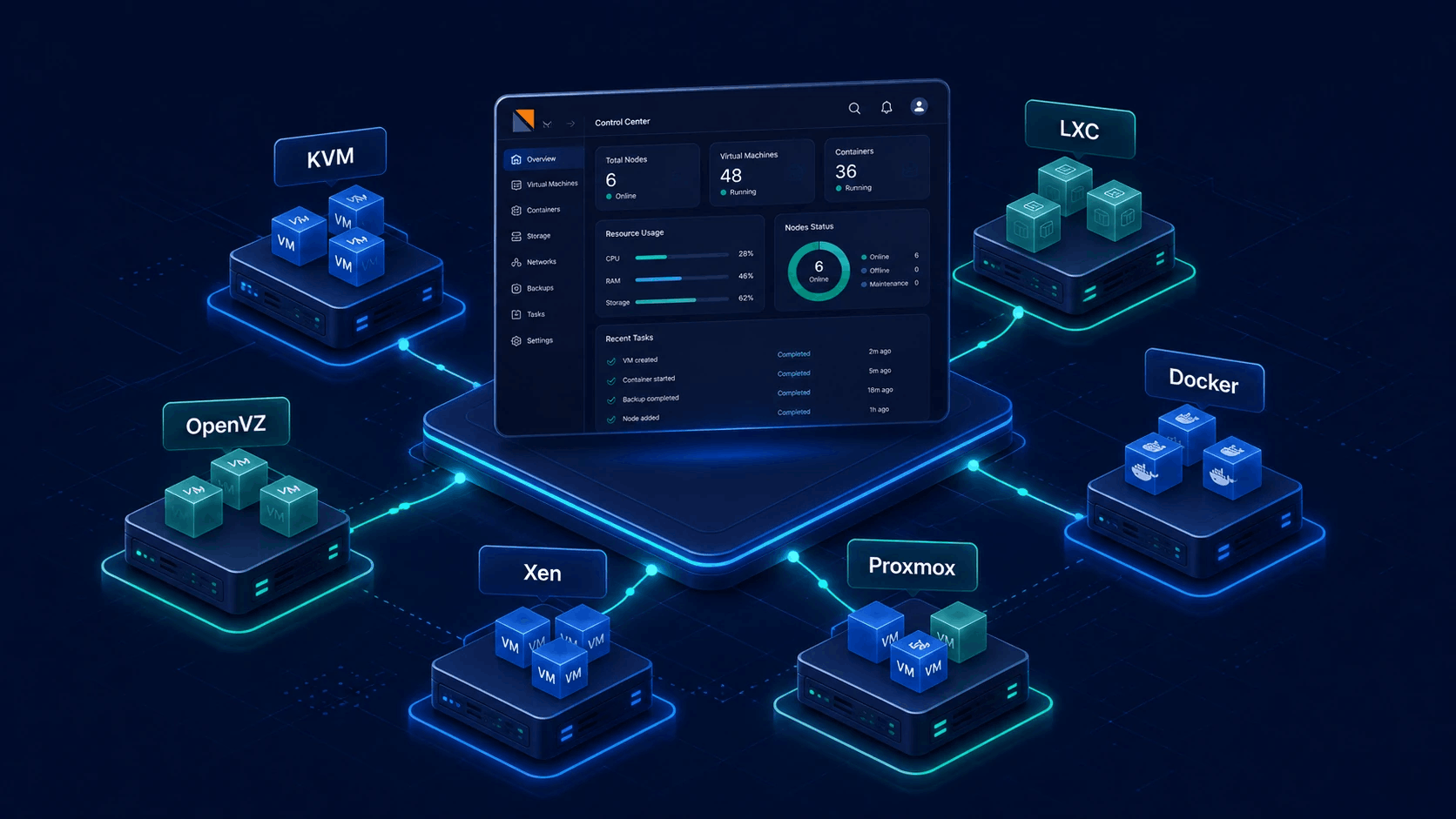
Virtualization types with VPC support
Only stacks that implement VPC support are offered when you create a VPC.
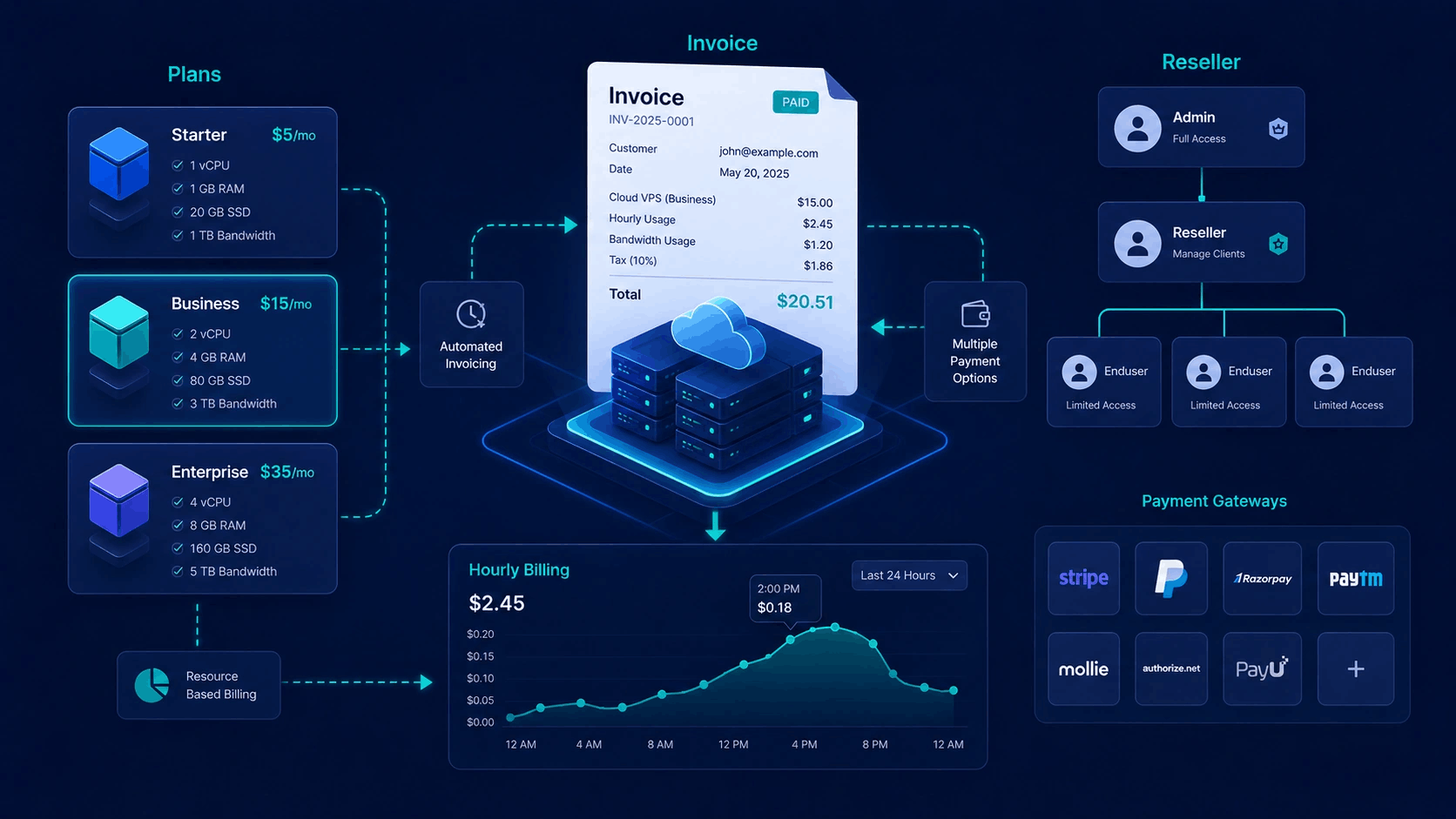
Admin power, Cloud self-service
What each role can do matches the shipped panel.
Administrators
- Create, edit and delete any VPC; set owner and server group
- Manage subnets, NAT gateways, security groups and peering
- Assign security groups to VPC-attached VPS
- Admin API for automation
Cloud users
- VPC UI is for Cloud user type (not every VPS-only client)
- Own VPCs only: create, edit, delete within quotas
- Own subnets; attach and detach on their VPS
- Peering for their VPCs; enduser API for the same scope
IP pools, VPS firewall plans and PowerDNS are separate networking tools - not part of the VPC object itself.