
Overview
Virtualizor allows endusers to install Control Panel directly on the VPS. However, shutting down the VPS will be required in case of Xen and KVM VPS.
Note
Procedure
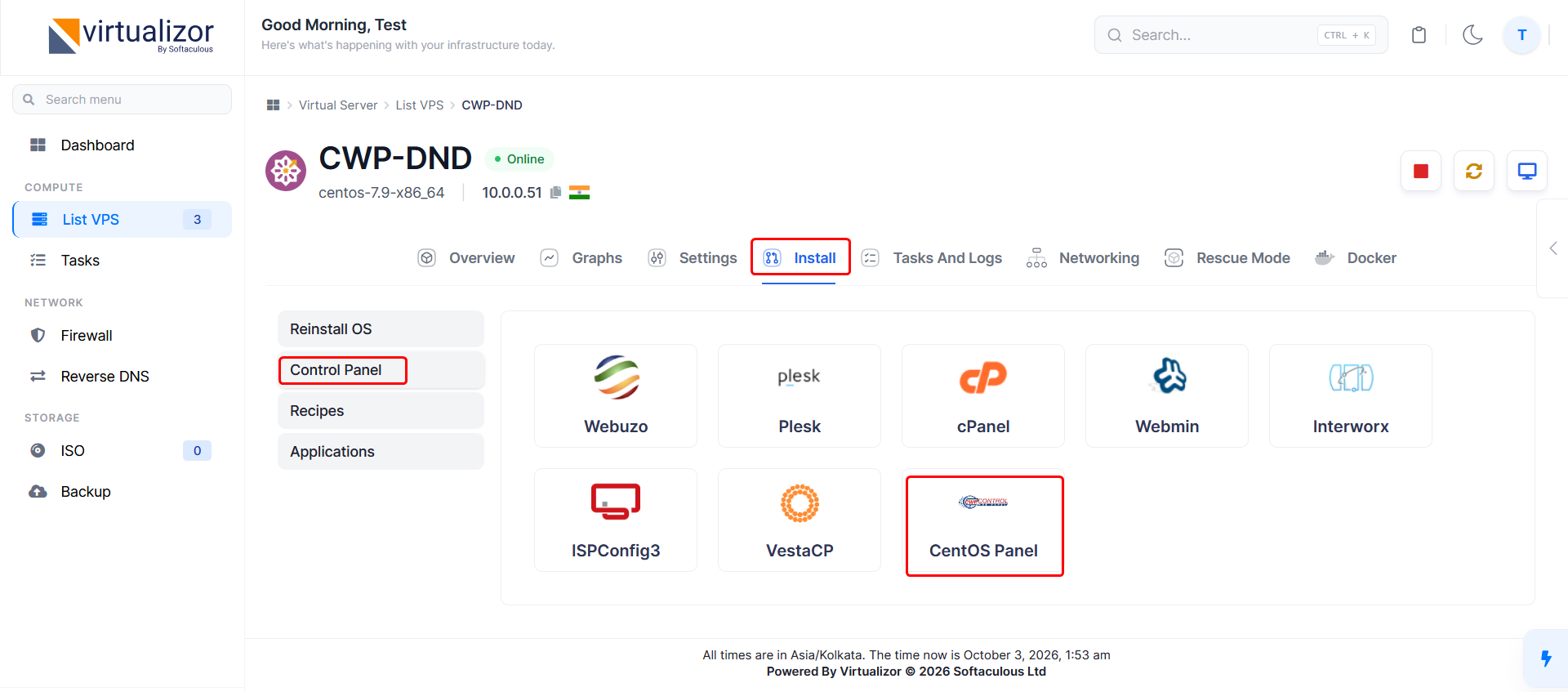
Login to Virtualizor Enduser panel -> Select the VM on which you want to install the control panel -> Click on the Install tab -> Click on the Control Panel button. You will get a screen as shown below where you can see the CWP icon for selection. After selection is done it will ask for a confirmation, an alert will be shown, click on Yes to begin installation.
Note